Debug Stick Addon for MCPE: Block State Control Guide
A-Perion's Debug Stick addon adds creative block editing to MCPE. Cycle block states, control variants, and customize your builds with this essential Bedrock tool.
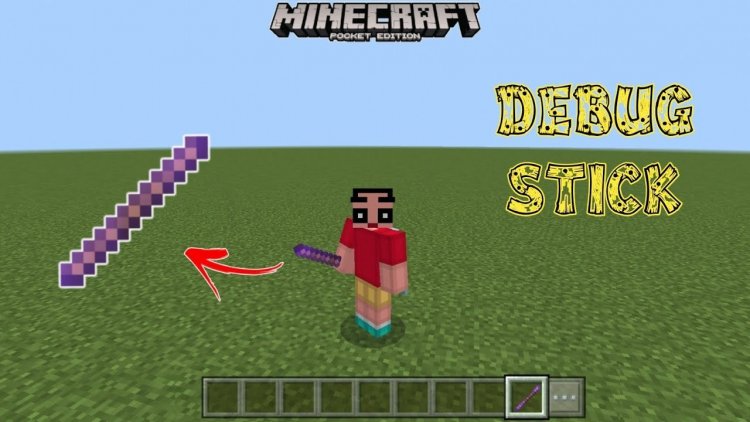
Created by A-Perion
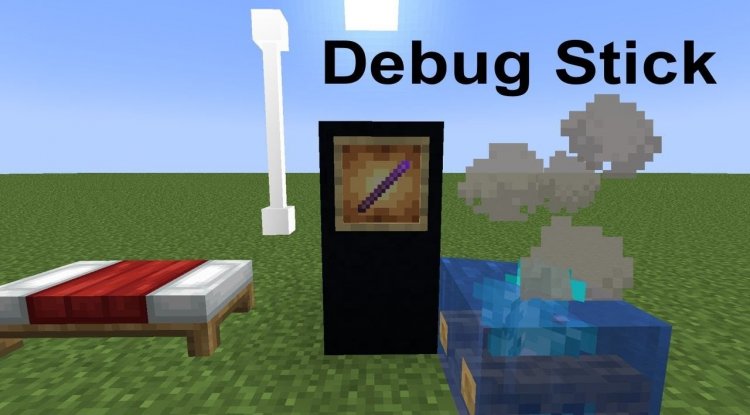
A-Perion's Debug Stick is a creative-focused addon that brings Bedrock edition players the ability to manipulate block state properties in real-time, transforming how builders approach variation and customization. This tool mimics Java Edition's debug stick functionality, giving MCPE creators precise control over door rotations, redstone states, log orientations, and hundreds of other block variations without needing command blocks or tedious setup.
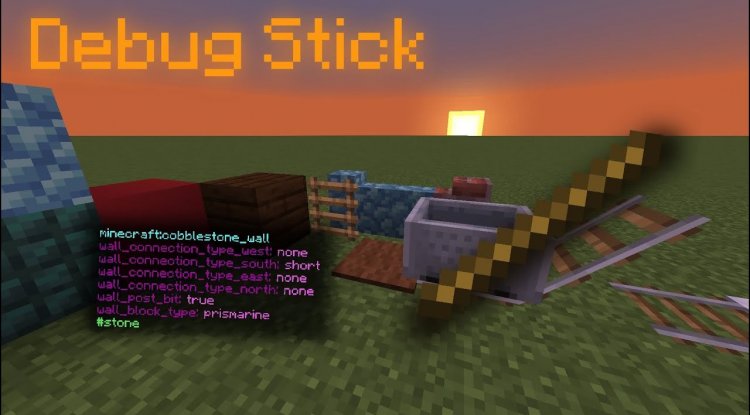
What Makes This One of the Best MCPE Addons for Builders
If you've ever felt limited by Bedrock's building constraints, the Debug Stick addon is a game-changer. Unlike mods that add entirely new content, this addon solves a real workflow problem: sometimes you want a door facing a specific direction, a log oriented vertically, or a repeater powered in a particular state—and doing so traditionally requires either rebreaking blocks repeatedly or relying on workarounds. A-Perion's solution is elegant and intuitive.
This addon is ideal for creative builders, redstone engineers, terraformers, and anyone who values builder-centric features among the best minecraft addons. Whether you're building architectural details, setting up redstone contraptions, or creating intricate decorative patterns, having instant block state cycling at your fingertips eliminates friction and speeds up iteration.
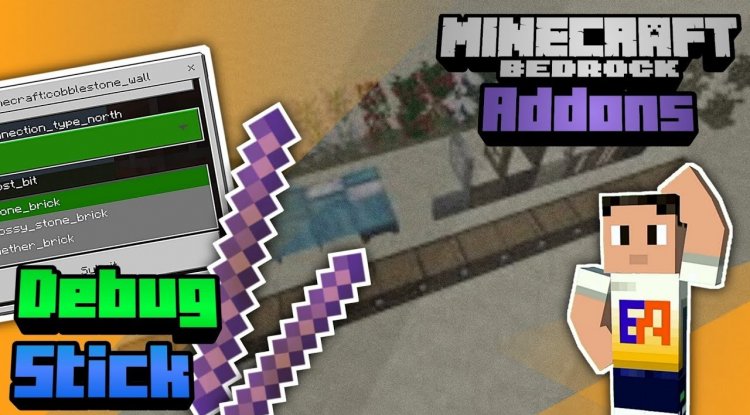
How the Debug Stick Works: Core Mechanics Explained
The debug stick operates on a simple but powerful input system. Once activated, you gain a specialized enchanted-looking stick that lets you interact with blocks in ways the default game doesn't allow.
- Left-click cycles forward through a block's available states
- Right-click cycles backward through states
- Sneak + use switches which property you're editing (for blocks with multiple changeable properties)
- Break block while holding stick cycles backward through the block's states instead of destroying it
- Pinning system locks edited blocks so their appearance persists after world reload
This mechanic-based approach means you're directly manipulating the block's internal properties rather than placing new blocks. For builders who've worked with Java Edition's debug stick, this will feel immediately familiar. For Bedrock-only players, it's a revelation.
Comprehensive Block Support and State Coverage
The addon supports hundreds of block types across every major building and technical category. This includes:
- Doors and trapdoors (rotation and open/close states)
- Stairs (half-slab variants and facing direction)
- Redstone components (repeaters, comparators, and their powered states)
- Furnaces and other functional blocks
- Logs and wood (rotation and wood type variants)
- Crops and growth stages
- Lit torches and candles
- And far more, totaling hundreds of variants
What's particularly impressive is how the addon handles Bedrock-specific quirks. Since Bedrock Edition uses different internal architecture than Java, A-Perion engineered the tool to work within Bedrock's constraints while still providing robust functionality. Powered repeaters, variant block IDs, and even lit/unlit torch states are all properly supported.
One important note: connection-based blocks like iron bars have limitations due to how Bedrock's Script API exposes block data. You won't be able to fully control multi-connection blocks the same way you might on Java Edition, but single-property blocks work flawlessly.
Per-Player Settings and Customization Options
Beyond the core mechanic, the addon includes a robust settings system that makes it suitable for both solo creators and collaborative servers. Using the /debugstick:settings command, you can access a menu that lets you enable or disable entire block categories per player. This means in a multiplayer world, you can give the debug stick to specific creators while restricting access to others, or selectively disable certain block types if they're causing issues.
The pinning system deserves special attention. By default, edited block states persist through a "pin" mechanism—when you modify a block's state, the addon locks that appearance so it survives world reloads. There's also an optional force pin toggle if you want to control this behavior more granularly. This ensures your carefully-crafted block variations don't accidentally reset when the world closes.
What Are the Best Minecraft Addons? This Is What Makes a Great One
Great addons solve real problems without overcomplicating things. A-Perion's Debug Stick does exactly that. It's not flashy—there are no new mobs, no dimensional rifts, no particle effects—but it's genuinely useful every single time you load a creative world. Among the best minecraft addons 2026, this stands out precisely because it respects player agency and removes barriers to creative expression.
The two-command system is refreshingly simple: /debugstick:give to obtain the stick, and /debugstick:settings to configure behavior. No complex syntax, no cryptic arguments. Experienced players and newcomers alike can jump in immediately.
Performance-wise, the addon uses Bedrock's Script API efficiently, so you won't experience lag or stuttering even when extensively modifying blocks. It's designed to integrate seamlessly into any world.
Installation and Setup Requirements
Getting the addon running requires a few steps, but the process is straightforward:
- Download the behavior pack and resource pack files (or combined .mcaddon file if available)
- Import both files into Minecraft Bedrock
- Create a new world or open an existing one
- In world settings, enable "Beta APIs" (required for Script API functionality)
- Activate both the behavior pack and resource pack
- Run /debugstick:give in chat to receive the debug stick
- Enter Creative mode (the stick only functions in Creative)
For single-player worlds, you automatically have operator permissions. In multiplayer, whoever uses the debug stick needs operator status. This is a safety measure to prevent griefing on shared servers.
The addon requires Minecraft Bedrock version 1.26.30 or newer, so make sure your game is fully updated before installing.
Frequently Asked Questions About the Debug Stick Addon
Does the debug stick work in Survival mode?
No, the addon requires Creative mode to function. This is intentional—it's designed as a building and creative tool rather than a survival mechanic.
Can I use this addon on multiplayer servers?
Yes, but the player using the debug stick needs operator permissions. The per-player settings system also lets admins configure which blocks are available to specific players, making it suitable for collaborative creative worlds.
What blocks can't I modify with the debug stick?
Connection-based blocks like iron bars have limited support due to Script API constraints on Bedrock. Additionally, some properties like sugar cane's "age" are growth timers rather than visual variants, so modifying them won't change appearance. A small number of block states aren't exposed to the Script API and therefore can't be manipulated, but the vast majority of building blocks are fully supported.
Will my edited blocks stay the same after I close and reopen my world?
Yes, thanks to the pinning system. Edited block states are automatically locked and will persist through world reloads. You can toggle the force pin setting in the configuration if you need different behavior.
Is this addon compatible with other addons and resource packs?
Generally yes, as long as those addons don't heavily modify the same blocks or Script API systems. The resource pack is minimal—just handling the stick's appearance—so conflicts are unlikely. Test in a test world first if you're combining multiple behavior packs.
What's Your Reaction?















![Patrix Resource Pack For 1.19 [32x→256x]](https://minecraftmodded.com/uploads/images/202210/image_750x415_6343b3ab59eff.jpg)


