Control Overhaul Texture Pack: Cleaner UI for MCPE PvP
Control Overhaul is a minimalist texture pack for Minecraft Bedrock that redesigns the mobile UI for better combat visibility and responsive controls.
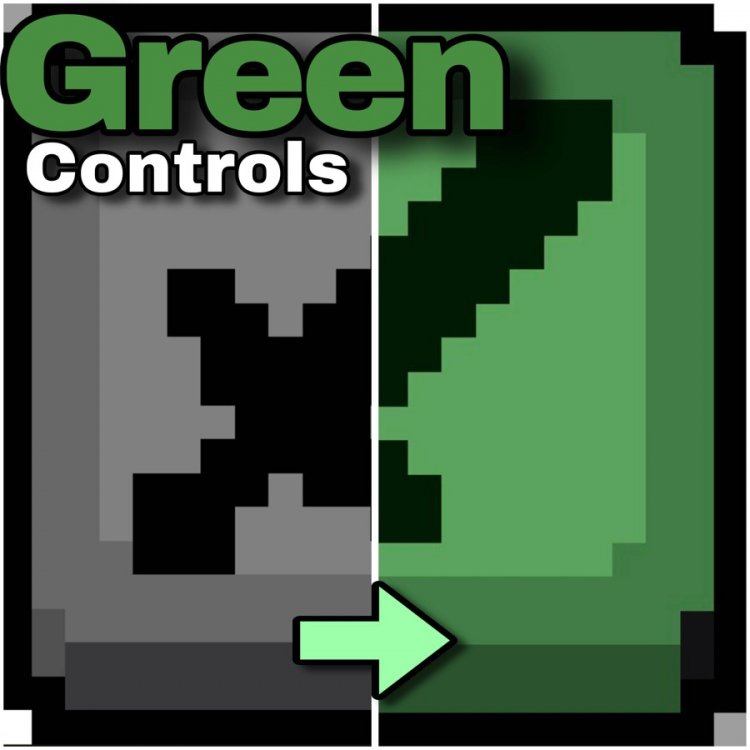
Created by Flind4wg
Control Overhaul is a texture pack designed for Minecraft Bedrock and Pocket Edition that completely reimagines the mobile interface to prioritize clarity, responsiveness, and combat effectiveness. By stripping away visual clutter and replacing standard action button icons with transparent, minimalist designs, this pack transforms how you interact with the game on touchscreen devices—especially during high-stakes PvP encounters.
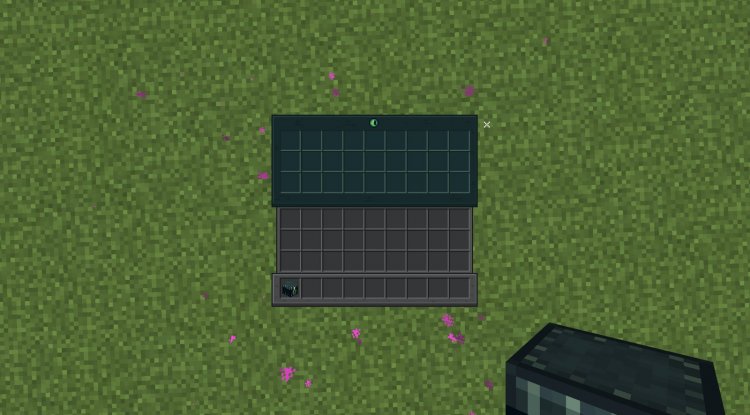
Why Mobile UI Matters in Bedrock PvP
If you've ever played Minecraft PvP on a phone or tablet, you know the struggle: your thumbs are partially covering the action buttons, your view of the arena is cramped by the HUD, and those critical moments where you need to swap items or place blocks feel clunky and delayed. The standard Bedrock UI wasn't built with competitive combat in mind. Control Overhaul addresses these pain points head-on by reimagining the entire button layout and visual hierarchy.
The pack was specifically created by Flind4wg with crystal-based PvP and anchor PvP game modes in mind. If you're grinding competitive Bedrock servers or just trying to survive against skilled players, this texture pack gives you a tangible advantage by making every control action more deliberate and visible.
The Minimalist Design Philosophy
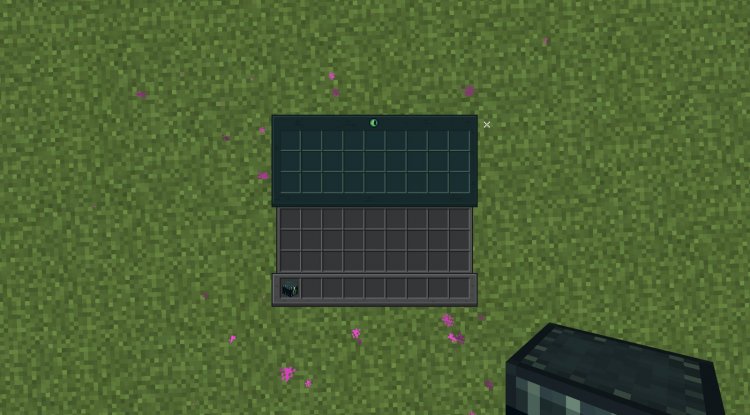
At its core, Control Overhaul follows a simple principle: less visual noise equals better decision-making. Instead of the default chunky icons that dominate your screen real estate, the pack swaps them out for transparent, ultra-clean button designs. This isn't just a cosmetic change—it fundamentally alters your sightlines during combat.
The transparent approach means you can see more of the battlefield behind and around your controls. When you're tracking an opponent's movement or looking for the perfect angle to place a block, those extra pixels of visibility can be the difference between victory and respawn. The buttons remain fully functional and responsive; they're just asking for less of your screen.
Customization: Choose Your Control Layout
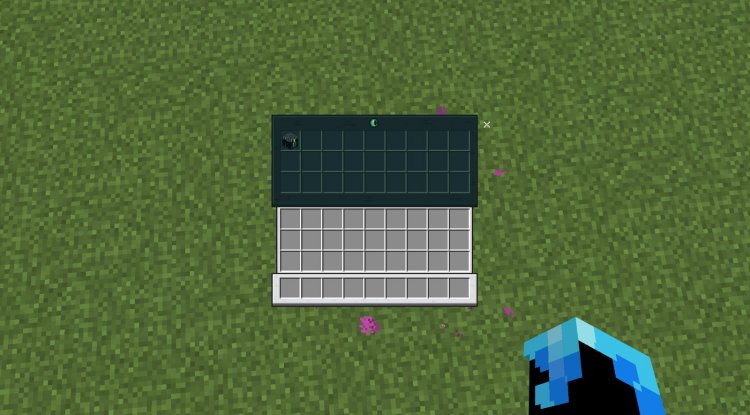
Not every player has the same preferences when it comes to button design, which is why Control Overhaul ships with multiple HUD layout options. You're not locked into one visual style—instead, you can toggle between different button themes directly from your resource pack settings.
The pack includes two main modes:
- Default Resolution Mode: Features icon-based button designs that are sleek and intuitive, perfect for players who want visual symbols without text cluttering their interface.
- Clean v2 Mode: Replaces icons entirely with text labels, giving you ultra-clear text-based controls. This is ideal for players who prefer absolute clarity or those who benefit from reading text rather than interpreting small graphics.
Both modes maintain the core philosophy of reducing screen clutter while ensuring every control remains accessible and responsive. You can experiment with both and stick with whichever feels most natural for your playstyle.
Combat-First Features for Aggressive Gameplay
Control Overhaul was built by someone who understands Bedrock PvP intimately. The pack directly addresses the mechanics that matter most in combat: item swapping and crystal placement visibility. During rapid-fire combat exchanges, you need to instantly see what action you're about to perform. The redesigned buttons make this crystal clear (pun intended).
The transparent attack and block placement buttons ensure you're never guessing which action is queued up. In crystal PvP, where timing is everything, this clarity translates to faster reactions and fewer misclicks. Similarly, anchor PvP benefits from the improved visibility when managing your block placement strategy.
Beyond the combat focus, the pack is optimized for performance. It carries a minimal file size and introduces zero frame rate impact, meaning you get a better experience without sacrificing your FPS—crucial when you're competing against other players.
Who Should Install This Pack?
Control Overhaul is tailor-made for:
- Competitive Bedrock PvP players grinding crystal or anchor modes on multiplayer servers
- Mobile and tablet users frustrated with the standard UI taking up valuable screen space
- Anyone seeking accessibility improvements via clearer, text-based controls
- Performance-conscious players who want UI customization without lag
- Casual players who simply prefer a cleaner, more modern interface
Even if you're not actively grinding PvP, the improved visibility and reduced clutter make this pack worth trying. It feels like playing Bedrock with your HUD finally out of the way.
Installation Guide
Installing Control Overhaul on Minecraft Bedrock or Pocket Edition is straightforward:
- Download the .mcpack file for Control Overhaul.
- Open the file—your device will automatically prompt you to import it into Minecraft.
- Launch Minecraft and open a world or server.
- Go to Settings and navigate to Resource Packs.
- Locate Control Overhaul and activate it.
- Access your resource pack settings to choose between Default Resolution Mode or Clean v2 Mode.
- Apply your preferred layout and enjoy the improved controls.
The pack is compatible with all Bedrock versions and works on phones, tablets, and Windows 10/11 devices running MCPE.
Frequently Asked Questions
Will Control Overhaul work on servers?
Yes, texture packs are client-side modifications, so they work on any Bedrock server without needing server permission. You'll see the improved UI regardless of which server you're playing on.
Can I switch between the two HUD modes in-game?
You can access resource pack settings from the in-game pause menu to adjust your HUD layout. It's not instant, but toggling between modes is quick and doesn't require restarting Minecraft.
Does this pack change any gameplay mechanics?
No, Control Overhaul is purely visual. All buttons function identically to vanilla Bedrock—the only difference is the appearance and positioning of your UI elements. No PvP advantages come from mechanics, only from improved visibility and reduced clutter.
Is there a performance impact?
None. The pack is optimized with minimal file size and zero frame rate impact. Your FPS will remain unchanged whether you're using the default UI or Control Overhaul.
What's Your Reaction?












![Patrix Resource Pack For 1.19 [32x→256x]](https://minecraftmodded.com/uploads/images/202210/image_750x415_6343b3ab59eff.jpg)


