Full Bright Voxen Texture Pack: See Everything in the Dark
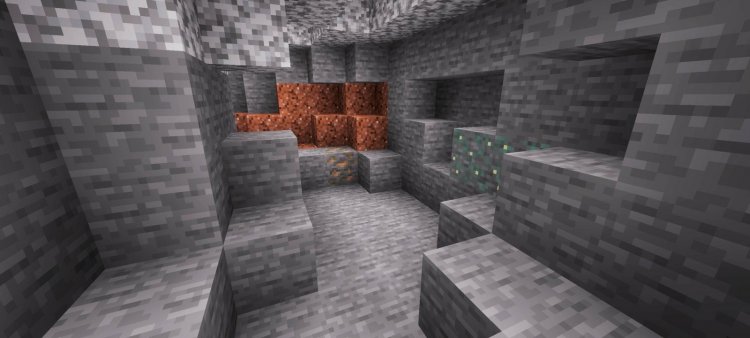
Full Bright Voxen is a lightweight texture pack that eliminates darkness and improves visibility in caves, mines, and nighttime exploration without heavy performance costs.
Created by voxenMC2
Photos by voxenMC2
What is Full Bright Voxen?
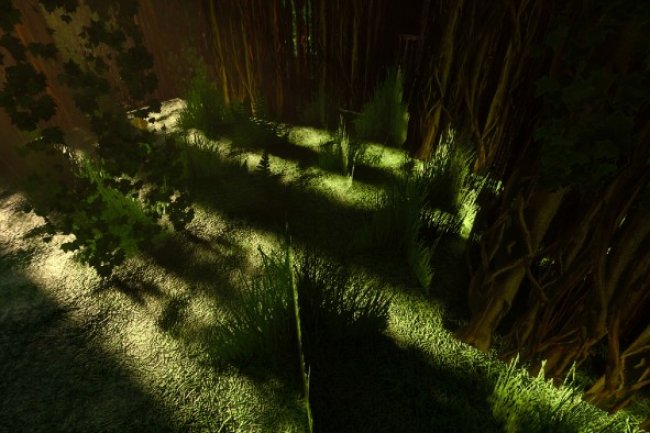
Full Bright Voxen is a texture pack designed by voxenMC2 that strips away the darkness in Minecraft to dramatically improve visibility in low-light environments. Instead of struggling through pitch-black caves or squinting at nighttime terrain, this pack brightens the world so you can explore, build, and navigate without constantly relying on torches and lanterns.
If you've ever felt frustrated by Minecraft's shadow system making exploration tedious, or if you simply prefer a brighter aesthetic for your gameplay, this lightweight pack offers a practical solution that doesn't tank your frame rate.

How Does Full Bright Voxen Change Your Gameplay?
The core appeal of Full Bright Voxen is straightforward: it removes the fog of darkness that normally shrouds caves, underground networks, and nighttime areas. This shift fundamentally changes how you interact with exploration. Instead of methodically lighting up every block with torches as you venture into a cave system, you can move freely and see clearly. The pack brightens shadow areas throughout the game world, creating a more uniform lighting experience.
This doesn't mean everything becomes blindingly white or loses visual depth. Rather, the pack intelligently brightens dark zones so visibility becomes viable without torch spam. You'll find yourself spending less time placing light sources and more time actually exploring, mining, and discovering what's underground. For players who find traditional Minecraft darkness more annoying than atmospheric, this is a game-changer.
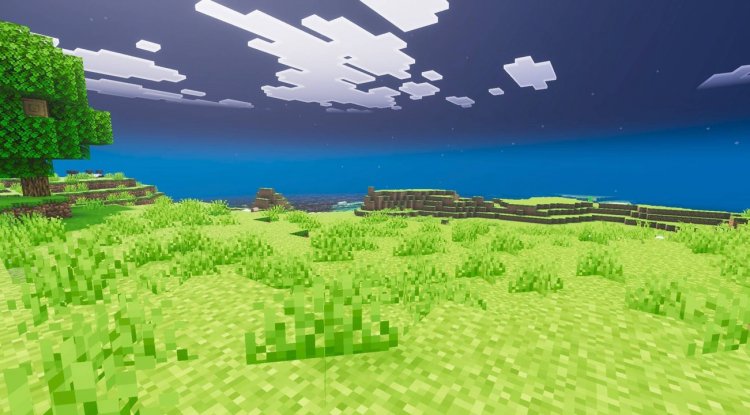
The nighttime brightness adjustment is equally valuable. Instead of waiting for dawn or building elaborate lighting systems around your base at night, you can continue working and exploring as the sun sets. It's particularly useful for multiplayer servers or creative worlds where you want to work at any hour without visibility penalties.
Key Features of Full Bright Voxen
- Eliminates dark areas throughout the game — Shadow zones are brightened globally, not just in specific biomes
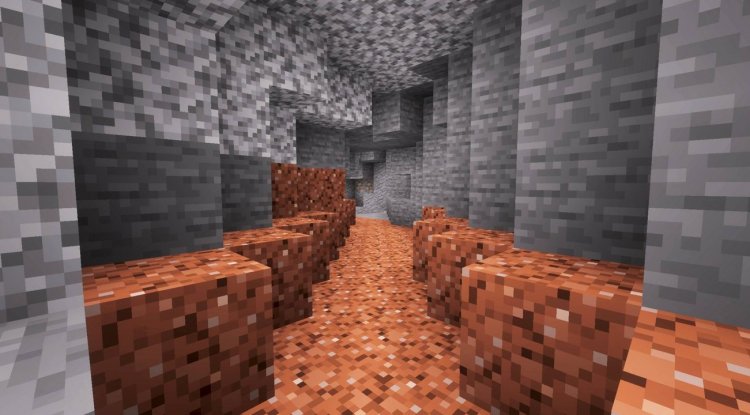
- Increases visibility in caves and underground locations — Explore deep mines and caverns without constantly looking for ore or monsters in darkness
- Brightens nighttime conditions — Night becomes nearly as visible as twilight, removing the cover of darkness
- Reduces dependency on torches for illumination — You'll need far fewer light sources to navigate comfortably
- Lightweight performance impact — The pack is optimized to run smoothly without draining device resources
- Minimal visual overhead — Maintains Minecraft's familiar look while improving clarity
Who Should Use Full Bright Voxen?
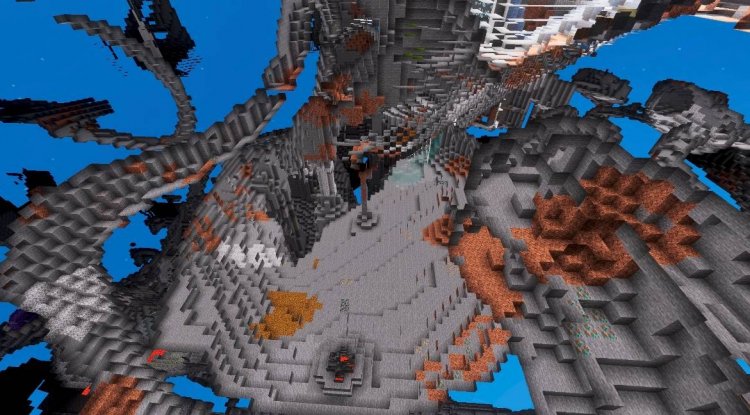
This pack is ideal for several player types. Survival explorers who find darkness tedious will appreciate the streamlined cave exploration experience. Creative builders will benefit from being able to work on outdoor projects at any time without day-night cycle frustrations. Players with visual accessibility needs may find the increased brightness more comfortable for extended play sessions.
Survival players on tight early-game budgets will also appreciate reduced reliance on torch crafting and placement. You'll have more inventory space for ore and loot when you're not constantly carrying stacks of torches.
That said, if you love Minecraft's atmospheric darkness or play with horror-themed mods and texture packs, Full Bright Voxen would work against your goals. It's explicitly designed to remove the challenge and mood of darkness, so purists seeking that vanilla survival difficulty spike may want to skip it.
Performance: Does It Slow Down Your Device?
One of the smartest design choices voxenMC2 made is keeping Full Bright Voxen lightweight. Texture packs that dramatically alter lighting can sometimes cause stuttering or frame drops, especially on lower-end devices. This pack avoids that pitfall through efficient file structure and minimal texture modifications.
On most Bedrock Edition devices—whether you're playing on phone, tablet, Xbox, or Windows—you shouldn't notice any performance degradation. The pack works by adjusting how darkness is rendered rather than adding complex new textures, so the performance overhead is minimal. This makes it accessible even for players on older hardware or devices with limited RAM.
Installation and Setup Instructions
Installing Full Bright Voxen on Minecraft Bedrock is straightforward, but there's one crucial step many players miss: enabling Vibrant Visuals in your video settings after installing the pack.
First, download the .mcpack file and open it—Minecraft will automatically detect and import it into your texture packs folder. Next, create a new world or open an existing one and navigate to Settings. Under Video Settings, locate the Vibrant Visuals option and toggle it ON. This activation step is essential for the brightness adjustments to take effect. Without it, the pack may not work as intended.
Once enabled, the brightness changes should be immediately visible. If you want to test it in an existing world, simply apply the pack to that world's settings and Vibrant Visuals will activate automatically.
Frequently Asked Questions
Will Full Bright Voxen work on all Bedrock platforms?
Yes, Full Bright Voxen is compatible with Minecraft Bedrock Edition across all platforms including Windows, mobile, tablets, and consoles, provided you're running a recent version of the game.
Does this pack remove all shadows and depth from the world?
No, the pack brightens dark areas but doesn't eliminate all visual depth or contrast. Terrain details and block textures remain visible and distinct; you're simply removing the darkness that obscures them.
Can I use Full Bright Voxen with other texture packs or shaders?
Full Bright Voxen is designed to work as a standalone pack, though it may conflict with other packs that heavily modify lighting. Using it alongside multiple texture packs could cause visual inconsistencies or require manually adjusting Vibrant Visuals settings.
Does using Full Bright Voxen disable achievements or make survival easier?
Using texture packs doesn't disable achievements in Bedrock Edition. The pack makes exploration less tedious but doesn't provide resources, invulnerability, or other game-breaking advantages—it's a quality-of-life improvement, not cheating.
What's Your Reaction?













![Patrix Resource Pack For 1.19 [32x→256x]](https://minecraftmodded.com/uploads/images/202210/image_750x415_6343b3ab59eff.jpg)


