Sodium GL Reimagined: Performance Texture Pack for Bedrock
Sodium GL Reimagined is a performance-focused texture pack that optimizes Minecraft Bedrock rendering with disabled animations, particle editor, and grass options.
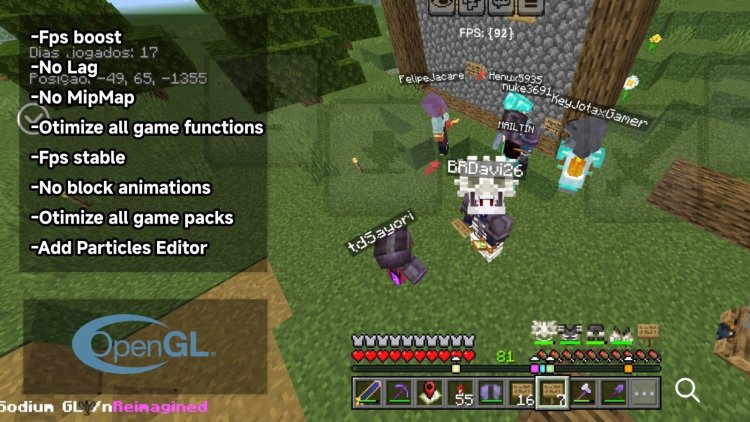
Created by BRSpike26
Sodium GL Reimagined is a texture pack designed to boost Minecraft Bedrock's performance by reimagining how the game renders visuals and handles particle effects. Created by BRSpike26, this pack prioritizes optimization without completely gutting your game's visual appeal—it's a smart balance for players running Minecraft on lower-end hardware or those simply tired of frame rate hiccups.
What Makes Sodium GL Reimagined Different?
Most texture packs add visual flair—better textures, HD details, atmospheric effects. Sodium GL Reimagined flips that script. Instead of making your game look prettier, it makes it run faster by stripping away rendering overhead. This isn't a "less is more" approach that leaves your world looking bland; it's a calculated optimization strategy that removes specific visual features known to tank frame rates on Bedrock Edition.
The pack's philosophy centers on eliminating unnecessary visual processing. Every feature included or disabled serves a direct purpose: reducing computational load on your GPU and CPU. For players on tablets, older phones, or lower-spec PCs, this translates to smoother gameplay, more consistent frame rates, and less stuttering during intensive moments like exploring chunk-loaded terrain or battered intense redstone contraptions.
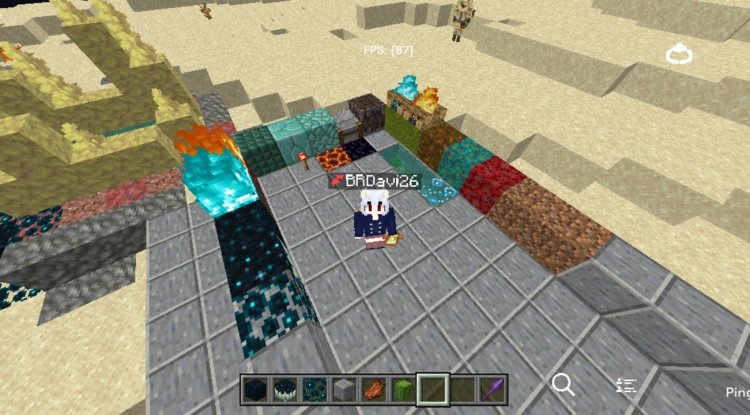
Photos by BRSpike26
Key Features: Sodium GL Reimagined Minecraft Performance Upgrades
- Disabled Animated Textures – Removes texture animation processing, one of the most resource-intensive visual features in Bedrock
- Built-in Particle Effect Editor – Fine-tune particle behavior and customize effects for additional performance control
- Grass Rendering Options – Choose between full grass rendering or reduced grass mode depending on your device's capabilities
- Mipmapping Removal – Eliminates texture filtering layers that consume extra memory and processing power
- Optimized Game Functions – General performance tweaks applied throughout the rendering pipeline
Sodium GL Reimagined Mod Minecraft Bedrock: How It Changes Your Game
The term "mod" gets thrown around loosely in the Bedrock community, but technically Sodium GL Reimagined functions as a texture pack—you're not modifying code, you're replacing textures and their properties. However, its functionality edges into mod territory thanks to the included particle editor and rendering adjustments that go beyond traditional texture swaps.
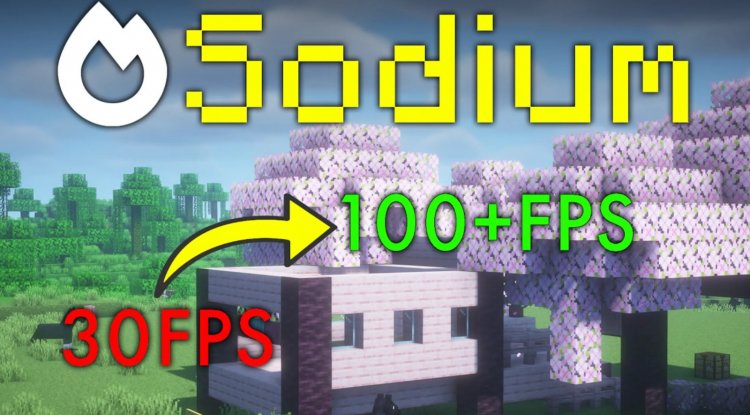
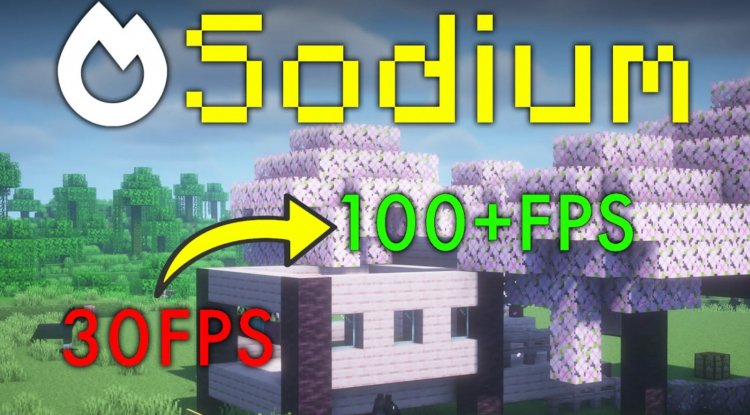
When you activate this pack, you'll immediately notice smoother scrolling through menus and quicker world loading. In-game, the reduction in animated texture processing means less GPU strain, which frees up resources for maintaining higher and more stable frame rates. The grass rendering toggle is particularly clever—on a device struggling to maintain 30 FPS, switching to reduced grass mode can push you closer to 45-60 FPS without making your world look unrecognizable.
The particle editor deserves special mention. Rather than being stuck with default particle behavior, you can adjust how effects render and behave. This gives you granular control over performance: disable or simplify particles from redstone dust, explosions, or magical effects to reclaim additional FPS. The functionality itself is credited to additional development work, representing a collaborative optimization effort.
Who Should Use Sodium GL Reimagined?
Mobile Minecraft players: If you're playing on a smartphone or tablet and constantly fighting lag, this pack is essential. Bedrock's mobile optimization leaves room for improvement, and removing animated textures and mipmapping can be transformative.
Budget PC players: Running Minecraft on integrated graphics or older hardware? This pack is built for you. The cumulative optimization tweaks target systems where every frame counts.
Redstone engineers: Large contraptions tank frame rates on Bedrock. Optimizing your rendering with this pack means you can test and expand builds without constant stuttering.
Server players: Playing on multiplayer worlds where you're competing with network synchronization for resources? Better rendering performance helps keep your experience smooth despite server communication overhead.
Conversely, if you're playing on a high-end device (recent gaming phone, RTX-equipped PC) and want maximum visual quality, this pack isn't your target. It's built for constraint-based optimization, not visual enhancement.
Performance Impact: What to Expect
Real-world FPS improvements depend heavily on your device and current settings. On a mid-range phone, expect 10-20 FPS gains in demanding scenarios. Lower-end devices might see 5-15 FPS improvements. High-end systems will notice minimal difference because they're already running near frame cap limits, but you'll still benefit from reduced power consumption and heat generation.
The visual tradeoff is minimal if you're coming from Bedrock's default settings. You're not losing texture detail or color—animated effects like water, lava, and certain blocks simply won't animate. For most players, this is an invisible sacrifice; you'll be too focused on the smoother gameplay to miss subtle texture animations.
How to Install Sodium GL Reimagined
Installing texture packs on Minecraft Bedrock varies slightly by platform, but the process is generally straightforward:
On Android/Mobile: Download the .mcpack file, open it with Minecraft, and confirm the import. The pack will automatically appear in your world's texture pack settings.
On Windows 10/11: Place the .mcpack file in your downloads folder, then open Minecraft. Go to Settings > Packs, select the pack file, and apply it to a world.
On Console: Download through the in-game marketplace or transfer the file via compatible storage, then enable through pack settings.
Once installed, activate Sodium GL Reimagined in your world settings before joining. You can toggle it on and off without issue, so test it in a creative world first if you're uncertain about the visual changes.
Frequently Asked Questions
Will Sodium GL Reimagined work with other texture packs?
No, texture packs override each other—you can only use one at a time. However, you can easily switch between them in world settings to test combinations with shaders or other optimization packs.
Does this pack work with ray tracing or shaders?
Sodium GL Reimagined is compatible with Bedrock shaders and ray tracing, though enabling ray tracing will offset the FPS gains since ray tracing is inherently performance-intensive. The pack still helps optimize the base rendering pipeline.
Can I customize which optimizations are applied?
The particle editor gives you control over particle rendering, but other features like disabled animations and mipmapping removal are bundled. If you need fine-tuned control, you'd need to create a custom texture pack variant.
Will Sodium GL Reimagined work on older versions of Minecraft Bedrock?
Texture packs are generally compatible across recent Bedrock versions, but compatibility depends on how Minecraft's rendering system updates. Test it on your specific version to confirm.
What's Your Reaction?








![StarFish [128x] Texture Pack](https://minecraftmodded.com/uploads/images/202302/image_650x433_63fc4142df31f.jpg)




![Patrix Resource Pack For 1.19 [32x→256x]](https://minecraftmodded.com/uploads/images/202210/image_750x415_6343b3ab59eff.jpg)


