Thin PVP Pack: Competitive Combat Texture for Bedwars & UHC
Thin PVP Pack transforms combat visuals in Minecraft Bedrock with optimized sword positioning and animations for competitive PvP gameplay.
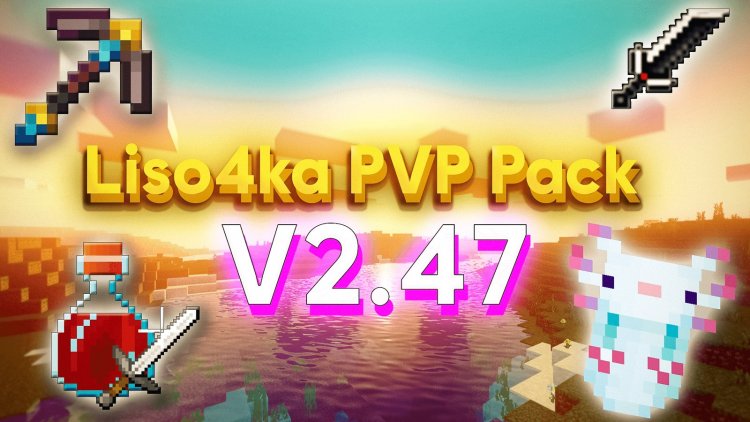
Created by Hyubi
The Thin PVP Pack is a texture modification designed to reshape how combat looks and feels in competitive Minecraft PvP scenarios. Created by Hyubi, this texture pack specifically targets the visual presentation of swords and combat animations, making it an essential tool for players serious about Bedwars and UHC gameplay.
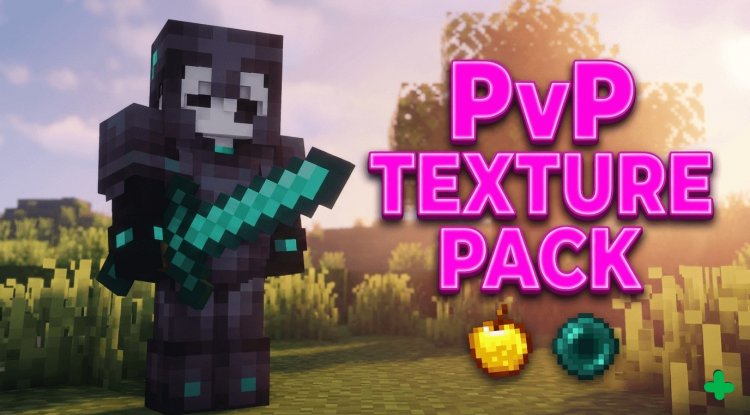
What Makes This Texture Pack Different?
Most texture packs focus on making the Minecraft world look prettier—new block textures, vibrant colors, atmospheric improvements. The Thin PVP Pack takes a different approach. Instead of beautification, it's built around competitive advantage and clarity. By modifying sword positioning and altering how combat animations display on your screen, this pack strips away visual clutter and gives you a cleaner, more responsive-feeling combat experience.
The philosophy here is straightforward: in high-stakes PvP, every millisecond counts, and visual clarity matters just as much as reflexes. When you're fighting in a Bedwars match or grinding through an Ultra Hardcore season, you want your screen to work for you, not against you.
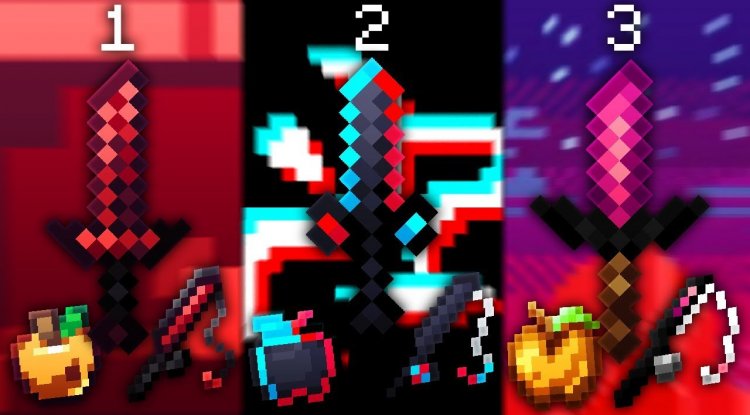
Optimized for Bedwars and UHC Gameplay
While the pack could theoretically be used in any Minecraft Bedrock world, it's specifically engineered for two competitive game modes: Bedwars and UHC (Ultra Hardcore).
In Bedwars, sword combat happens fast and furious. You're often fighting while building, managing inventory chaos, and dealing with knock-back mechanics. The Thin PVP Pack's optimized sword visuals help you track your blade's position more intuitively, reducing the mental load of processing where your weapon is relative to your opponent. In UHC, where every hit is critical and healing is scarce, that same clarity becomes invaluable during clutch 1v1 scenarios.
The pack's design acknowledges that these game modes have unique demands. You're not admiring the scenery; you're fighting for survival. That context shaped every decision Hyubi made when creating it.
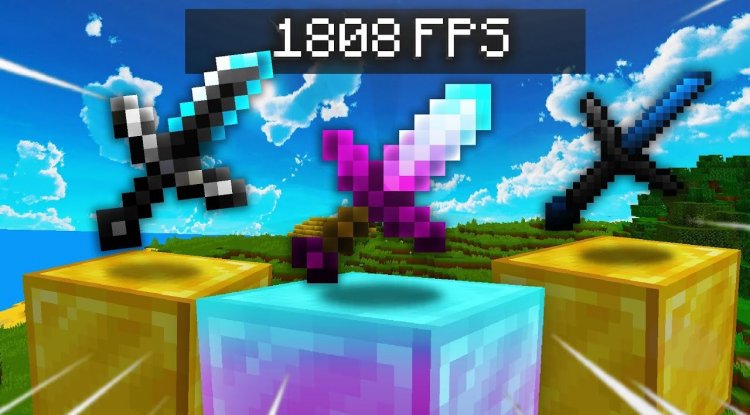
Combat Animation Changes That Matter
The core appeal of the Thin PVP Pack lies in its combat animation modifications. Standard Minecraft sword swings use a fairly large animation arc that can sometimes obscure your view or make it harder to judge spacing. This pack tightens those animations, making them feel snappier and more responsive to input.
What does this mean in practice? When you're trading hits with an opponent, your screen feels less cluttered by the weapon itself. You maintain better sightlines to your target. The sword still exists in your visual field—you're not removing it entirely—but it's repositioned to be less intrusive. For competitive players, this is the difference between feeling like you have full control and feeling like the game's UI is fighting you.
Additionally, the animation timing changes can make combat feel slightly faster. This is partly psychological (cleaner animations feel snappier) and partly mechanical (some animation frames are optimized). Either way, competitive players consistently report that the pack improves their hit-registration perception and overall combat confidence.
Key Features and Highlights
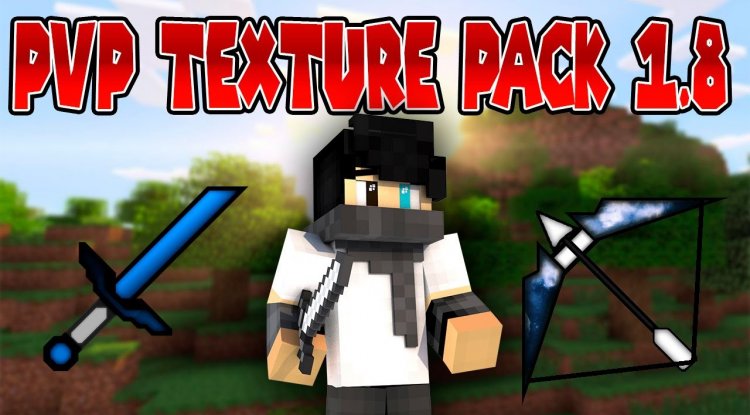
- Sword Repositioning: Swords are moved and sized to minimize visual obstruction during combat
- Combat Animation Optimization: Swing animations are refined for faster, cleaner combat feedback
- Bedwars-Specific Tuning: Optimized for the fast-paced, multi-tasking environment of Bedwars matches
- UHC Compatibility: Enhanced clarity for high-stakes Ultra Hardcore PvP encounters
- Visual Previews Included: The pack comes with preview images showing how combat will look in-game
- Bedrock Edition Support: Built specifically for Minecraft PE and Bedrock platforms
Who Should Download This Pack?
If you're a casual Survival Mode player, the Thin PVP Pack probably isn't for you. It's not designed to make Minecraft prettier, and it won't improve your experience fighting the occasional Zombie or Creeper.
However, if you're playing competitive multiplayer PvP—especially Bedwars or UHC—this pack is worth trying. It's particularly valuable if:
- You're grinding toward a high rank in Bedwars
- You participate in UHC tournaments or seasons
- You find yourself distracted by weapon animations during fights
- You've noticed successful PvP players using texture packs and want to understand the advantage
- You're trying to improve your combat consistency and feel like your tools aren't optimal
Think of it like upgrading your gaming mouse sensitivity or adjusting your brightness settings—small tweaks that compound into noticeable skill improvements over time.
How the Pack Affects Your Gameplay
Installing the Thin PVP Pack doesn't change game mechanics. You still deal the same damage, knockback still works identically, and health values are unchanged. What changes is feedback. Your brain receives cleaner information about what's happening on screen, which lets you make faster decisions and execute combos more reliably.
Veteran competitive Minecraft players call this "removing visual noise." Every element on your screen competes for your attention. A well-designed PvP texture pack wins that competition by ensuring combat-critical visuals stay clear while everything else recedes into the background.
How to Install the Thin PVP Pack
Installing texture packs on Minecraft Bedrock Edition is straightforward:
- Download the Thin PVP Pack file (this will be a .mcpack file)
- On most devices, simply opening the .mcpack file will launch Minecraft automatically and prompt you to import the pack
- Alternatively, navigate to your resource packs folder and paste the .mcpack file there, then enable it in-game under Settings > Resource Packs
- Create or load a world and confirm the pack is active
- For best results, disable other texture packs that might conflict with combat visuals
The installation is non-destructive—if you decide the pack isn't for you, simply disable it and revert to your previous settings.
Frequently Asked Questions
Will the Thin PVP Pack give me an unfair competitive advantage?
Most Bedwars and UHC servers allow texture packs, treating them similarly to how PC Minecraft treats mods like Optifine. However, always check your specific server's rules. The pack doesn't automate gameplay or provide information you wouldn't normally have—it just presents existing information more clearly.
Does this pack work on servers, or only in single-player?
The Thin PVP Pack works on both multiplayer servers and single-player worlds. Since it's a texture modification, it affects only your client-side rendering—other players won't see your weapons looking different, but you will, which is the whole point.
Can I use this pack alongside other texture packs or shader mods?
Technically yes, but it's not recommended. Other texture packs or shaders might override the Thin PVP Pack's combat optimizations. For the best experience, use it as your sole active resource pack. Shaders are compatible in the sense that they won't cause crashes, but the visual adjustments you paid for might be partially obscured by shader effects.
Will I see a performance difference after installing this pack?
No meaningful performance impact. Texture packs don't typically affect frame rates—they just swap visual assets. If anything, the optimized animations might feel slightly smoother simply because there's less visual complexity during combat.
What's Your Reaction?








![How to Download Lyrian [32x] PvP Texture Pack for Minecraft Bedrock Edition](https://minecraftmodded.com/uploads/images/202502/image_650x433_67bd158a7d520.jpg)




![Patrix Resource Pack For 1.19 [32x→256x]](https://minecraftmodded.com/uploads/images/202210/image_750x415_6343b3ab59eff.jpg)


