Lumora Shaders: Best MCPE Shaders 2026 for Realistic Lighting
Lumora Shaders by reefycraft enhances Minecraft PE with dynamic lighting, volumetric rays, and biome-specific atmospheric effects. Best shaders for realistic visuals.
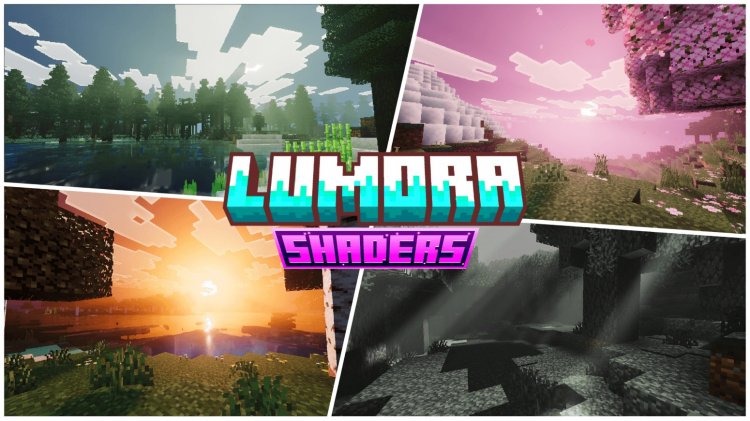
Created by reefycraft
Lumora Shaders: Transform Your Minecraft PE with Stunning Dynamic Lighting Effects
Lumora Shaders is a visual enhancement pack that fundamentally transforms how light behaves in Minecraft Bedrock Edition through dynamic lighting effects, volumetric light rays, and intelligent atmospheric color grading. Created by reefycraft and actively maintained with community feedback, this shader pack proves that mobile and console Minecraft doesn't have to sacrifice visual beauty for performance.
If you've ever wondered whether you can get shaders on Minecraft PE, the answer is a resounding yes—and Lumora demonstrates exactly why upgrading your visual experience is worth the effort. Whether you're playing on a phone, tablet, or Windows 10/11, this shader pack delivers console-quality atmospheric enhancements that make every sunset, forest walk, and cave exploration feel genuinely immersive.
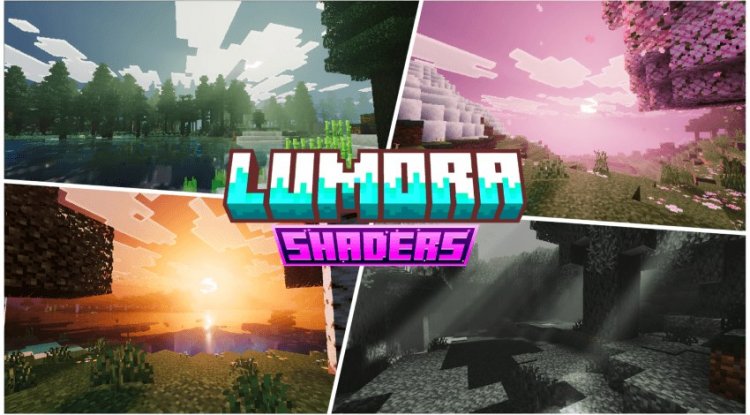
Photos by reefycraft
What Makes Lumora One of the Best Shaders for Minecraft PE
The most realistic shaders for Minecraft PE don't just slap bloom effects over everything and call it a day. Lumora takes a thoughtful approach to visual enhancement by focusing on the fundamentals: how light moves through your world, how colors shift with the time of day, and how different biomes feel atmospherically distinct.
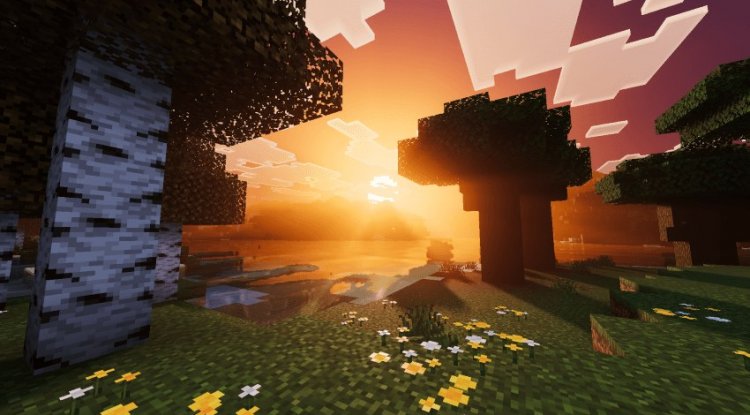
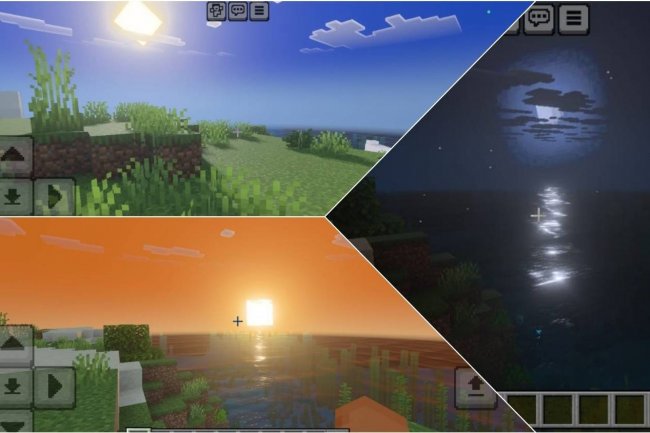
The shader's dynamic sky system means you're not looking at static, flat skies anymore. As you play through a day-night cycle, the sky gradually shifts through realistic color transitions. Morning doesn't just become afternoon—it transitions with warm, golden hues that gradually shift toward cooler tones as the sun climbs higher. This seemingly small detail has an outsized impact on how immersive your world feels.
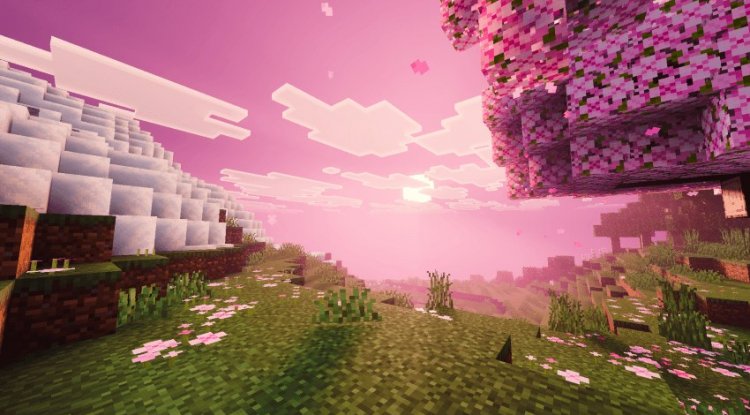
What really sets Lumora apart in conversations about the best shader packs for Minecraft 2026 is the attention paid to individual biomes. A cherry grove doesn't just use generic forest lighting—the shader applies color profiles specifically tuned for how those delicate pink trees should look under different lighting conditions. The same goes for the End dimension, plains, and other distinct environments. This level of customization means your world doesn't feel like a one-size-fits-all visual filter.
Volumetric Light Rays and Water Reflections That Actually Matter
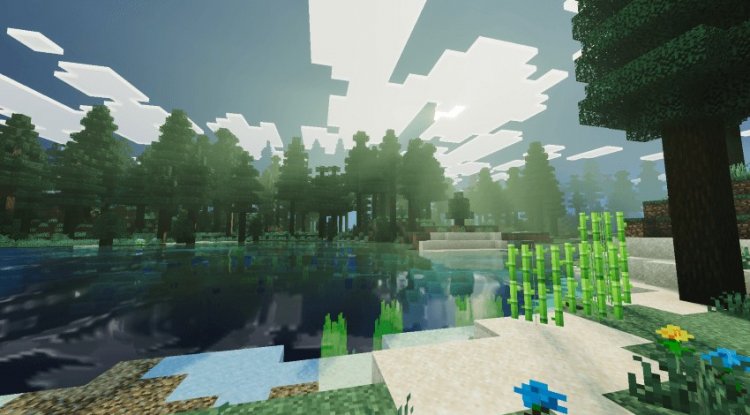
One of the most visually striking features in Lumora is the volumetric light ray system. When sunlight filters through dense foliage—like in a forest canopy—you'll actually see visible light rays piercing through the leaves. This isn't just eye candy; it fundamentally changes how you perceive space and depth in your world. Caves feel more dramatic when you can see light rays emanating from distant openings. Dense forests become genuinely atmospheric rather than just visually cluttered.
The water reflection effects work in tandem with the dynamic sky system to create believable aquatic environments. Water no longer feels like a flat blue texture—it mirrors the sky colors above it, so you'll see golden reflections during sunset and cooler blue tones at night. Building near water becomes visually rewarding because your carefully constructed architecture now reflects beautifully in the surface below.
Biome-Specific Atmospherics: Why Generic Shaders Fall Short
Most shader packs apply a universal visual filter across your entire world. Lumora's strength lies in its biome-specific atmospheric color grading system, which adapts fog density and coloration based on where you are. Exploring different biomes actually feels like exploring different places with their own visual identity, rather than simply collecting themed blocks in an identical visual environment.
The adaptive fog system is particularly impressive for gameplay. In dense forests, fog becomes thicker and more saturated, making those cozy, enclosed spaces feel genuinely enclosed. In open plains, fog recedes, giving you expansive views across your landscape. The End dimension receives its own special treatment, with color profiles that emphasize the alien nature of that dimension without making it difficult to play in.
Enhanced Plant Lighting and Shadow Details
Plants in vanilla Minecraft often look flat and lifeless, especially in shade. Lumora applies enhanced lighting calculations to vegetation, so leaves and flowers appear to have dimension and depth. Shadows beneath foliage actually look like shadows rather than pure black voids. This seemingly technical detail dramatically improves how organic your builds and terrain feel.
When you're building a lush garden or terraforming a landscape, these lighting improvements make your work look exponentially better. The time you spend crafting detailed vegetation pays off visually in a way that vanilla Minecraft simply doesn't reward.
Top Minecraft Shaders 2026: Lumora's Performance and Maintenance
Lumora stands out among the best shaders for Minecraft 2026 partly because it's actively maintained. The shader receives regular updates based on user feedback and works smoothly across various Bedrock devices. Unlike some abandoned shader projects, you know that compatibility issues with new Minecraft versions will be addressed.
Performance is well-balanced—the visual enhancements are noticeable and substantial, but the shader doesn't tank your frame rate on mid-range devices. This makes it genuinely playable for extended sessions rather than something you activate just for screenshots.
Key Features at a Glance
- Dynamic sky colors that realistically transition throughout the day-night cycle
- Biome-specific atmospheric color profiles for cherry groves, End dimension, forests, plains, and more
- Volumetric light rays filtering through foliage for dramatic depth perception
- Water reflection effects that mirror dynamic sky colors
- Adaptive fog density and coloration based on your current biome environment
- Enhanced plant lighting and shadow details for organic-looking vegetation
- Actively maintained with regular updates responding to user feedback
How to Install Lumora Shaders on Minecraft PE
Installing shaders on Minecraft Bedrock is straightforward. Lumora comes as an .mcpack file, which your device recognizes natively. Simply download the file, open it with Minecraft, and the game handles the import automatically. Navigate to your world settings, select the resource packs section, and enable Lumora. Your world will reload with the new visual enhancements applied.
Compatibility works across Minecraft PE on mobile devices, tablets, and Windows 10/11 editions. If you're playing on older hardware, you might want to disable other resource packs to ensure optimal performance alongside Lumora's visual effects.
FAQ: Common Questions About Lumora Shaders
Can you get shaders on Minecraft PE, and is Lumora stable?
Yes, Minecraft PE fully supports shader packs through .mcpack files, and Lumora is actively maintained by reefycraft with regular stability updates. Most players report smooth performance across a wide range of devices without crashes or compatibility issues.
Which is the best shaders for Minecraft PE—is Lumora worth trying?
"Best" depends on your priorities, but Lumora excels for players wanting atmospheric realism without sacrificing gameplay performance. If you value dynamic lighting, volumetric effects, and biome-specific visuals over other features, Lumora is absolutely worth testing.
Will Lumora work with my other resource packs?
Shaders function as a separate visual layer from resource packs, so Lumora plays well with most texture packs and resource pack combinations. However, disabling conflicting packs generally provides the best visual results.
Do best MCPE shaders 2026 require specific Minecraft versions?
Lumora is compatible with current Minecraft Bedrock versions. Since reefycraft actively maintains the project, updates ensure compatibility as new Minecraft versions release.
What's Your Reaction?








![Evox [Renewed] V1.2 Shader](https://minecraftmodded.com/uploads/images/202212/image_650x433_639e65741a65e.jpg)




![Patrix Resource Pack For 1.19 [32x→256x]](https://minecraftmodded.com/uploads/images/202210/image_750x415_6343b3ab59eff.jpg)


