Pato58 16x Texture Pack for Minecraft Bedrock
Pato58 16x is a custom 16-pixel texture pack for Minecraft Bedrock. Created by Patoinsano58302, it reworks the game's default look with hand-crafted textures at double the standard resolution.

Created by Patoinsano58302
Pato58 16x is a texture pack created by Patoinsano58302 for Minecraft Bedrock. It replaces the game's default block and item textures with custom 16-pixel versions, sitting at double the resolution of vanilla Minecraft's 8x textures. This is the creator's first texture pack submission to the community.
Texture packs in Minecraft Bedrock (also called resource packs) let you swap out how the game looks without changing how it plays. You can keep your worlds, your builds, and all your survival progress completely intact while giving everything a fresh visual coat. Pato58 16x does exactly that, just at a modest resolution bump that won't tank your device's performance.
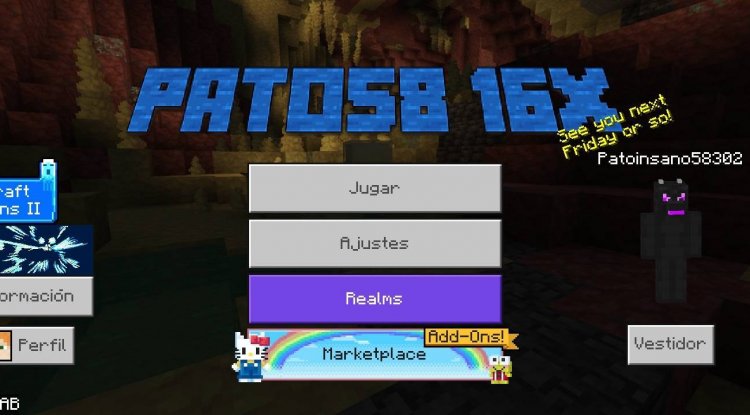
Photos by Patoinsano58302
What 16x resolution actually means for your game
When we talk about texture resolution in Minecraft, the number refers to how many pixels make up a single block face. The default Minecraft texture is 16x16 pixels per block. That's the baseline that's been around forever. A 16x texture pack doubles that to 32x32 pixels per block.
In practice, this means blocks look sharper and hold more detail without needing to go overboard with performance demands. You won't see massive lag spikes on older phones or tablets. The jump from 8x straight to 32x or 64x, though, can cause stuttering on lower-end hardware. The 16x sweet spot gives you a noticeable improvement that most devices can handle.
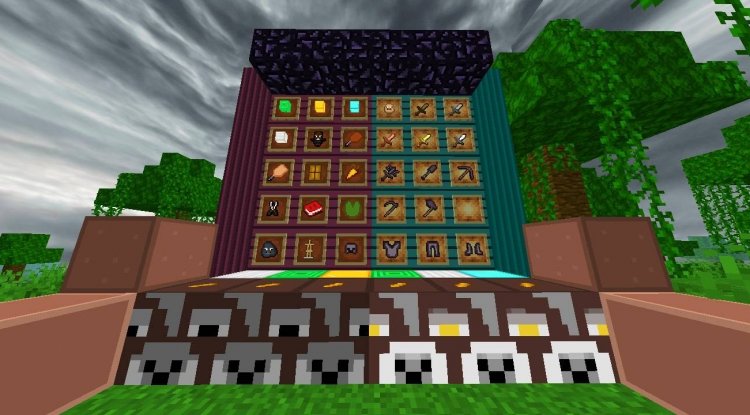
How Pato58 16x changes the look of Minecraft
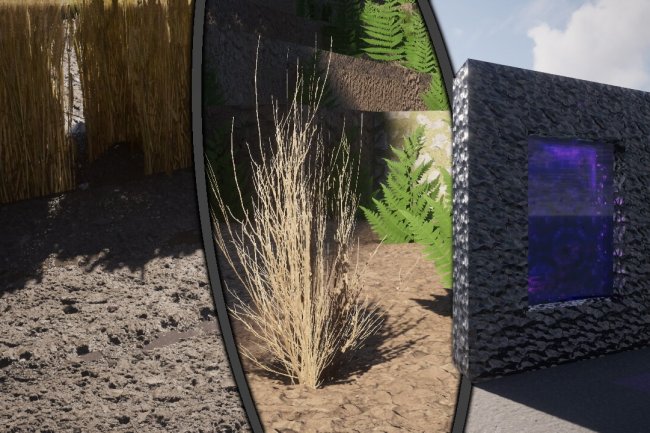
The pack redefines the textures across the board. Stone, dirt, wood, ores, glass, water, and everything else get custom artwork. At 16x resolution, small details that would look blurry or pixelated in vanilla Minecraft become readable. A wooden plank can show wood grain. A block of dirt gains texture variation. Ore blocks look more deliberate instead of just slapped-on colors.
Since this is Patoinsano58302's first texture pack, the creator was upfront about potential imperfections. Not every block will look like it came from a triple-A game studio. Some textures might feel rough around the edges, or color choices might not click with everyone's taste. That's honest work from someone learning the craft, and the community generally respects that more than overpromised perfection.
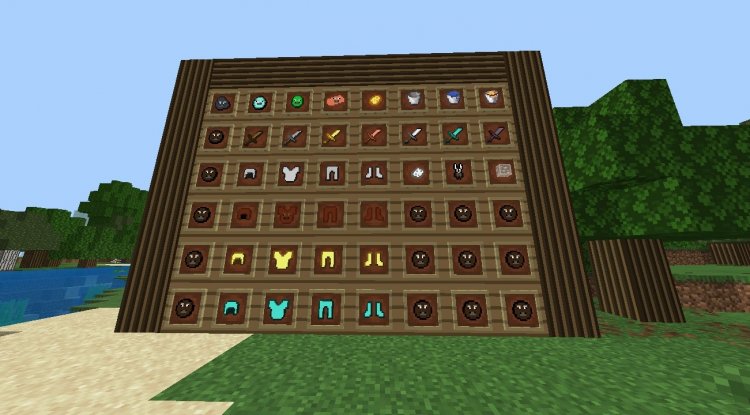
Who should try this pack
Pato58 16x works best for players who want a visual upgrade but aren't ready to jump into heavy shader packs or 64x+ texture mods that demand a lot from your device. If you play on an iPad, mid-range Android phone, or a lower-end Windows device, this resolution keeps things smooth while still looking noticeably different from stock Minecraft.
Survival players benefit most since you'll be staring at these textures for hundreds of hours. Creative builders also appreciate the extra detail when decorating. Players who run Minecraft Bedrock on console (Xbox, PlayStation, Nintendo Switch) can't use this pack, since Bedrock texture installation varies by platform, but Bedrock players on phone, tablet, or Windows can install it without fuss.
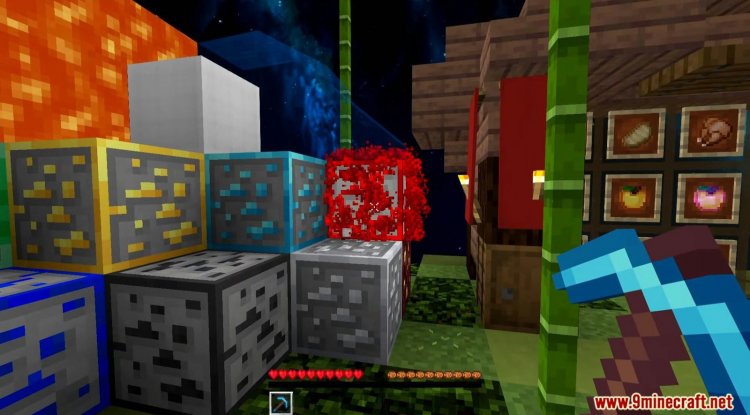
Feature breakdown of Pato58 16x
- 16-pixel custom textures for blocks and items throughout the game
- Double the detail of vanilla 8x resolution without heavy performance cost
- Compatible with Minecraft Bedrock on mobile, tablet, and Windows
- Preserves vanilla gameplay and world compatibility
- Creator's first pack submission to the community
How to install Pato58 16x on Minecraft Bedrock
Texture packs for Bedrock come as .mcpack files. Once downloaded, the install process differs slightly by device.
On mobile or tablet, you usually tap the .mcpack file directly, and Minecraft opens and imports it automatically. The pack then appears in your Texture Packs list inside the game. You select it from there, and it applies to your world.
On Windows, you may need to move the .mcpack file into your Minecraft resource pack folder manually, or double-click it to trigger the import dialog. Either way, once it's in the app, you activate it the same way as mobile.
After installation, start or load a world, go to Settings, then Resource Packs, and switch Pato58 16x to active. You'll see the new textures load in as you move around.
Common questions about Pato58 16x
Will Pato58 16x work on my device?
16x textures are lightweight compared to 64x or 128x packs. Most phones, tablets, and Windows PCs from the last five years can run it without lag. If your device struggles with the base game, this pack won't help, but if vanilla Minecraft runs fine, Pato58 16x should too.
Can I use this pack with shaders?
Yes, texture packs and shaders are separate. You can have Pato58 16x active as your texture pack and run a shader at the same time. The shader handles lighting and water effects, while the texture pack handles how blocks look. Some combinations might look odd depending on the shader's color grading, but they're compatible.
Does this pack require a specific Minecraft version?
Pato58 16x is built for Minecraft Bedrock. Since Bedrock receives regular updates, the pack should work on recent versions, though very old builds of the game may have compatibility issues. Check that your Minecraft app is up to date before installing.
What if I don't like how a certain block looks?
You can always disable the pack from your Resource Packs menu and switch back to vanilla. There's no penalty or side effect. Many players test several texture packs to find the one that fits their style, so don't feel locked in.
What's Your Reaction?












![Patrix Resource Pack For 1.19 [32x→256x]](https://minecraftmodded.com/uploads/images/202210/image_750x415_6343b3ab59eff.jpg)


