RX FPS Booster for Minecraft Bedrock: 5 Profiles Tested
RX FPS Booster is a performance resource pack for Minecraft Bedrock with five optimization profiles. Switch profiles anytime to boost FPS on any device.
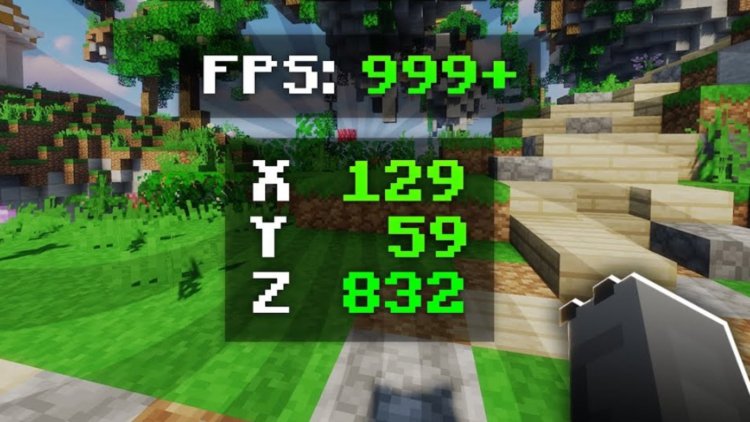
Created by Iced Fox Studios
RX FPS Booster is a resource pack for Minecraft Bedrock that strips away visual clutter to free up processing power. Created by Iced Fox Studios, it solves one of the biggest frustrations on lower-end devices: the endless particles, animations, and effects that tank frame rates.
The pack doesn't hide block textures or wreck how the game looks. Instead, it targets the stuff running behind the scenes. The visual noise costs you frames without making the game feel more alive. This is one of the few optimization packs that actually lets you pick how aggressive you want the cleanup to be.
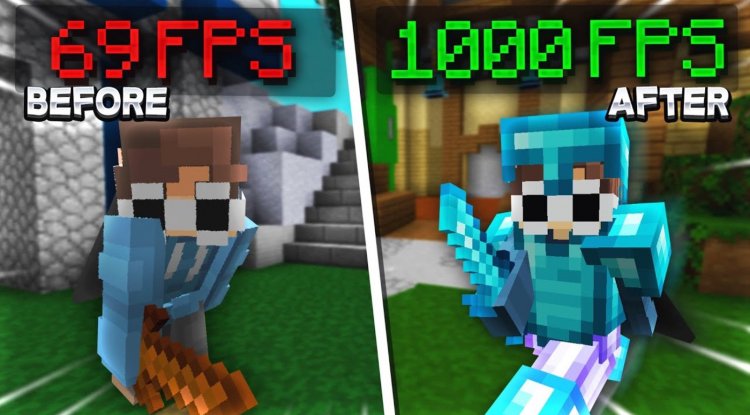
Five performance profiles you can switch anytime
The real strength here is flexibility. RX FPS Booster gives you five different optimization profiles, and you can flip between them without reinstalling anything. This matters if you're testing what actually works on your device, or if you want different settings for exploration versus building versus multiplayer.
Here's what you're working with:
- Balanced keeps most of the visual effects while still improving performance. It's the entry point if you just want a modest frame rate bump.
- Performance cuts deeper, removing more demanding effects without going scorched-earth.
- Ultra FPS prioritizes frame rate over visuals. Most unnecessary animations disappear here.
- Extreme FPS removes the vast majority of particles and effects. This is where you really notice the difference.
- Ultra Extreme is built specifically for low-end devices that need every frame they can get. Almost everything goes.
Which one you pick depends on your device and what you're willing to sacrifice. A mid-range phone might run well in Performance or Ultra FPS. An older tablet might need Ultra Extreme. The point is you're not locked into one approach.
How particles and effects affect your MCPE frame rate
Minecraft Bedrock throws a lot of visual effects at you constantly. Water ripples. Mob animations. Particle clouds from explosions, torches, and water. Enchantment sparkles. Rain drops. Tiny animations on leaves and grass. On their own, none of these destroy performance, but stacked together on a device with 2GB of RAM or a modest GPU, they add up fast.
RX FPS Booster identifies these culprits and either reduces them or pulls them out entirely depending on which profile you pick. The goal is to make Minecraft playable on hardware where vanilla Bedrock stutters, not to make it look broken.
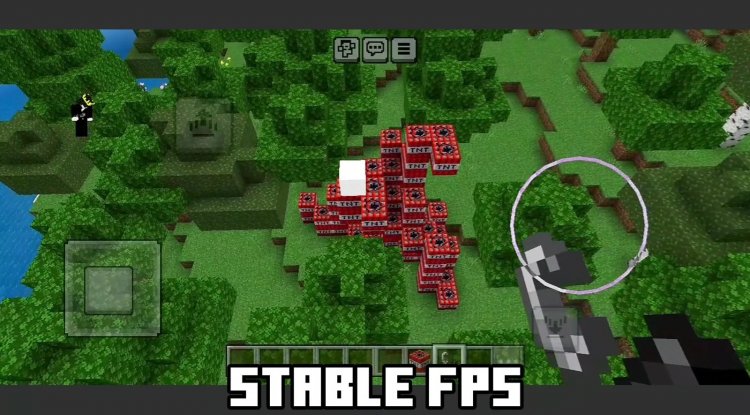
Performance optimization for different device types
The reason five profiles exist is because "low-end device" doesn't mean one thing. A two-year-old budget Android phone is not the same as a first-gen iPad from eight years ago. A mid-range device playing on render distance 12 has different needs than one on distance 4.
Balanced and Performance profiles work well if your device can already run Minecraft but drops frames during heavy action. Caves full of mobs, running through a biome with tons of foliage, and mining in dense resource-heavy areas are where you'll feel the difference. Ultra FPS and Extreme FPS are for when vanilla Bedrock is rough even in simple situations. Ultra Extreme is the nuclear option for devices where the game barely runs at all.
You can test each profile immediately without reinstalling, so you actually figure out which one fits your hardware instead of guessing.
What stays and what goes
This isn't a texture pack that replaces block or mob models, so your world looks fundamentally the same. Blocks are blocks. Mobs are mobs. Water is water. What changes is the motion and dust around them.
Depending on your profile, you'll see fewer particle effects from things like fire, water, and explosions. Animations on things like water, leaves, and grass quiet down. The visual polish that makes the game feel alive gets toned down in exchange for smoother gameplay. Higher profiles remove more, and lower profiles keep more. That trade-off is yours to make.
Early access and community features
Iced Fox Studios released RX FPS Booster through their official website with early access versions available there. The creator also runs a community platform tied to the pack that includes daily rewards, various tools, minigames, and community features. If you like to engage with other players using the same packs, that ecosystem is there.
How to install RX FPS Booster on Bedrock
Once you download the pack file, it comes as an .mcpack file. On most Bedrock devices, opening the file automatically triggers the import dialog. Select the world or the global settings you want to apply it to, and it installs. If you're on PC or another platform, you may need to manually place the pack folder in your resource packs directory, but the standard .mcpack method works across most devices.
Profiles are built into the pack, so you switch between them through the resource pack menu in-game. No reinstalling, no waiting. Pick a profile and toggle between them while playing to see the difference live.
Common questions about RX FPS Booster
Does RX FPS Booster work on all Bedrock platforms?
It's made for Minecraft Bedrock, which covers Windows, mobile (Android and iOS), console, and Nintendo Switch. Some platforms have minor differences in how they handle resource packs, but the pack is designed with cross-platform compatibility in mind.
Will my world look completely different after installing this?
No. The pack doesn't change blocks, mobs, or textures. It removes or reduces particles and animations. Balanced mode keeps most of the game's look, and higher profiles get more visually stripped down. Your world stays recognizable at any profile level.
Can I switch profiles mid-game or mid-world?
Yes. That's a core feature. You don't need to reinstall or restart the world. Just open the resource pack settings and pick a different profile. It takes effect immediately.
What's the difference between Ultra FPS and Ultra Extreme profiles?
Ultra FPS removes a lot of unnecessary animations and particles but keeps some visual elements that matter. Ultra Extreme removes almost everything non-essential, designed for devices that really struggle. If your phone is old or has very limited hardware, Ultra Extreme might be the only way to get playable frame rates.
What's Your Reaction?













![Patrix Resource Pack For 1.19 [32x→256x]](https://minecraftmodded.com/uploads/images/202210/image_750x415_6343b3ab59eff.jpg)


