3D Ores Minecraft: Better Ore Models for Bedrock
3D Ores is a Minecraft Bedrock addon that replaces vanilla ore blocks with 3D models. Experience ore degradation stages and variable drop chances without experimental features.
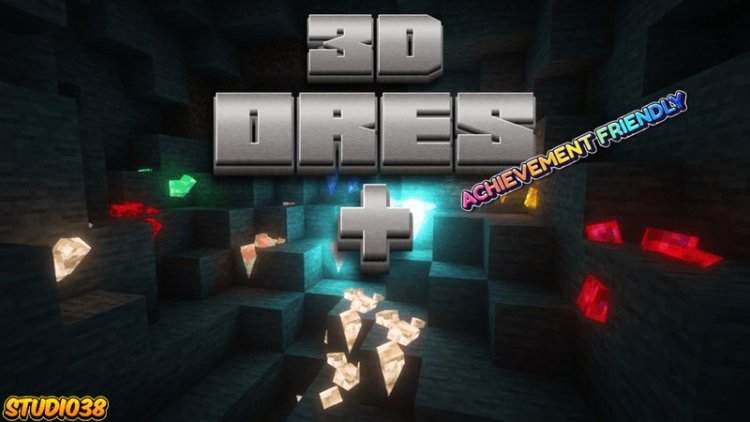
Created by Studio 38
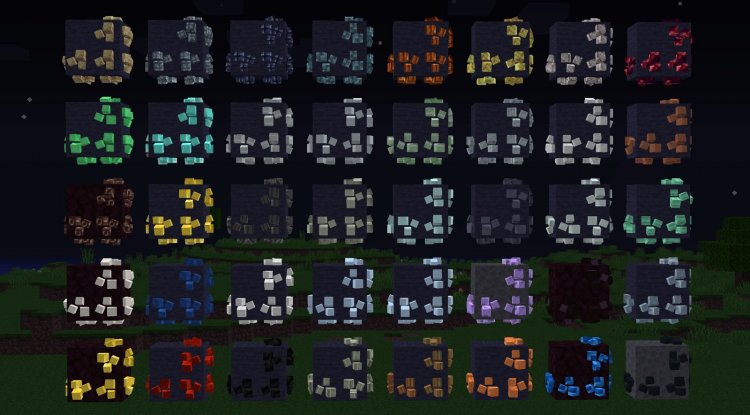
3D Ores is a Minecraft Bedrock addon created by Studio 38 that replaces every vanilla ore block in the game with three-dimensional models. Instead of flat, 2D textures sitting on stone, your coal, iron, diamond, and all other ores now have depth and detail that look embedded in the rock.
This addon changes how you perceive mining. When you start a new world or load an existing one, every ore deposit becomes visually distinct. The 3D models affect actual gameplay mechanics and change what you get when you mine.
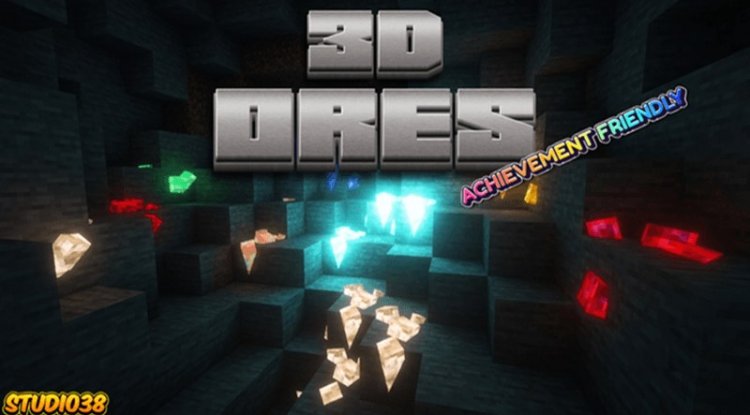
Photos by Studio 38
How 3D ore models work in this addon
Each ore type goes through three degradation stages as you mine into it. Think of it like this: the first time you hit an ore block, it's fresh and intact. Hit it again, and it cracks slightly. One more swing, and it's nearly broken down. When it finally converts back to regular stone, that's when you collect your drop.
Your drop chances change depending on which stage the ore is in. A freshly exposed ore block has different odds than one that's already been hit twice. This adds a small layer of strategy if you're the type to min-max your mining runs.
All 12 vanilla ore types get the treatment: coal, iron, copper, gold, redstone, lapis, diamond, emerald, ancient debris, nether gold, nether quartz, and deepslate variants. Nothing is left as a flat texture.
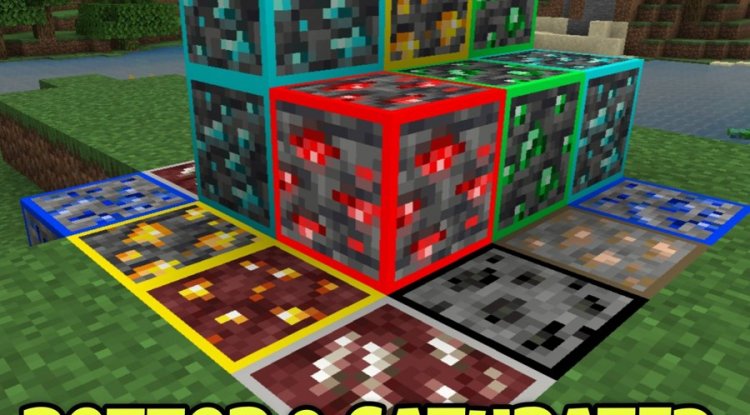
Compatibility and what you don't need
One of the cleanest aspects of this addon is what it doesn't require. You don't need to enable experimental features to use it. Experimental features can lock you out of achievements, and nobody wants to build an entire base only to realize your progress doesn't count.
This addon works with the achievement system right out of the box. Mine 3D ores and earn your badges with no issues. The player.json file isn't used by this addon, so if you're running other mods or tweaks that touch that file, there's no conflict to worry about.
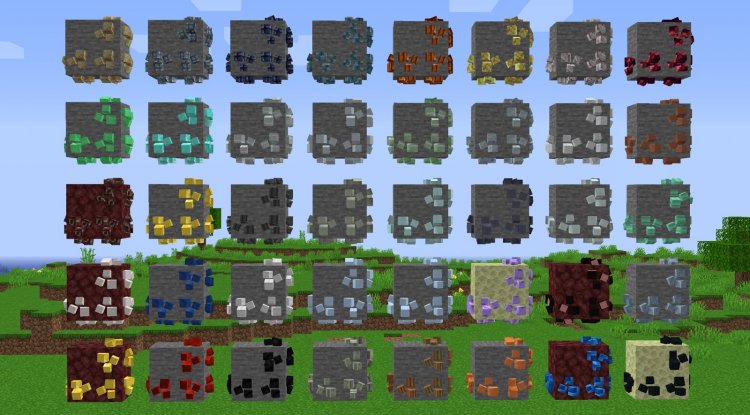
What the addon actually looks like in-game
The thumbnail image you've probably seen floating around shows real gameplay footage with some AI-enhanced shader effects applied for the preview. In your actual world, the ores look crisp and detailed without needing any shader packs, though adding one would make them look even sharper.
The 3D models have clear geometry. You can see the ore crystal sticking out from the stone instead of a texture painted on a flat block. On MCPE devices, performance stays solid because the addon is built to run efficiently without tanking your FPS.
Feature breakdown
- All 12 vanilla ore types replaced with full 3D block models
- Three degradation stages per ore with visual progression
- Drop rates scale based on degradation state of each ore
- Achievement system compatibility enabled by default
- No experimental toggles needed
- Vibrant Visuals enhancement available as an optional paired pack for extra polish
- Works on all Bedrock platforms: Windows 10/11, Xbox, Switch, mobile
Expanding your ore experience with 3D Ores Plus
If you want to go deeper, Studio 38 also made a related expansion called 3D Ores Plus. This pairs well with the base addon if you want more variation in your ore appearances or additional customization layers. It's optional, but worth checking out if the base pack clicks with you.
There's also an official Discord community where you can ask questions, report bugs, or just chat about how the addon works. Support for Minecraft Bedrock and MCPE addons can feel scattered sometimes, so having a dedicated community space is useful.
How to install 3D Ores on your world
Installing this addon follows the standard Bedrock process. Download the .mcpack file, then open it with Minecraft. The game will automatically import it into your addon library. Create a new world or open an existing one, go to Settings, then Resource Packs and Behavior Packs, and enable 3D Ores. The changes take effect immediately.
If you want the optional Vibrant Visuals pack, install that the same way and enable it afterward. You can stack multiple addons without issues as long as they don't conflict on specific blocks, which this one doesn't.
Common questions about 3D ores in Minecraft
Can you make ores in Minecraft look 3D like this?
Yes. This addon does exactly that. You're not modifying the core game files. You're adding a resource pack that replaces the ore textures with actual 3D models. Bedrock edition supports this through .mcpack addons, and MCPE mobile devices handle it fine too.
Do 3D ores work on Minecraft Java edition?
No. This specific addon is built for Bedrock and MCPE only. Java edition uses mods instead of addons. While there are Java texture packs and mods that do similar things, this pack isn't compatible. If you play Java, you'd need to look at separate 3D ore mods designed for that version.
Will 3D ores slow down my game on mobile?
Not noticeably. The addon is optimized for performance across all Bedrock platforms, including lower-end mobile devices. The 3D models are efficient, and you won't see the kind of FPS drops you might get from heavy shader packs. Most players report zero performance impact on phones and tablets.
Do I lose my achievements when using this addon?
No. This addon is fully compatible with the achievement system. You don't need experimental features, so your achievements will unlock normally. That's one of its big advantages over some other visual packs that require features which disable achievements.
What's Your Reaction?












![Patrix Resource Pack For 1.19 [32x→256x]](https://minecraftmodded.com/uploads/images/202210/image_750x415_6343b3ab59eff.jpg)


