Dynamic Light Addon: Best MCPE Addons for Realistic Lighting
Dynamic Light by BAKUTHEBUILDER is the best MCPE addon for realistic lighting. Create moving light sources around your player when holding glowing items in Minecraft Bedrock.
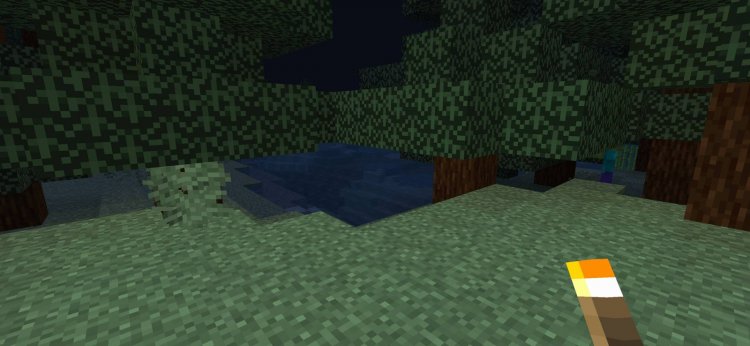
Created by BAKUTHEBUILDER
Dynamic Light by BAKUTHEBUILDER is a Bedrock Edition addon that generates a moving light source around your player whenever you hold certain glowing items. Instead of relying solely on placed torches and lanterns, this addon creates an immersive, real-time lighting system that follows you as you explore caves, build at night, or navigate dark biomes.
If you've ever felt that Minecraft's default lighting felt a bit restrictive—where you need to constantly place and remove light blocks to see where you're going—this addon transforms that experience into something far more dynamic and atmospheric. Let's dive into what makes this one of the best minecraft addons worth trying in 2026.
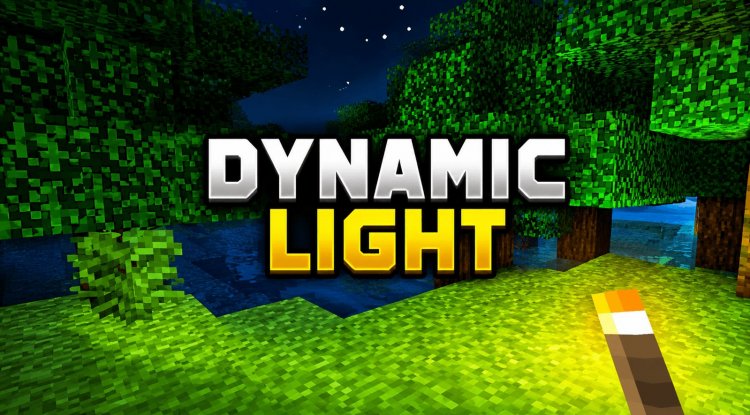
What Makes Dynamic Light Different from Standard Minecraft Lighting
Vanilla Minecraft lighting is block-based. You place a torch, it emits light in a fixed radius. Move away, and that light stays behind. Dynamic Light flips this concept on its head by attaching light directly to your character, creating an invisible halo of brightness that moves with you in real-time.
This isn't just a cosmetic change—it fundamentally alters how you experience nighttime exploration and underground mining. No more squinting at dimly lit caves or rapidly placing temporary light sources. The addon intelligently detects when you're holding a glowing item and automatically illuminates the surrounding area, then deactivates the effect the moment you switch items. It's seamless, responsive, and works exactly as you'd expect from a modern lighting system.
The implementation uses script-based functionality, meaning it runs smoothly without replacing block data or cluttering your world file with light-block remnants. This is important for performance and world stability.
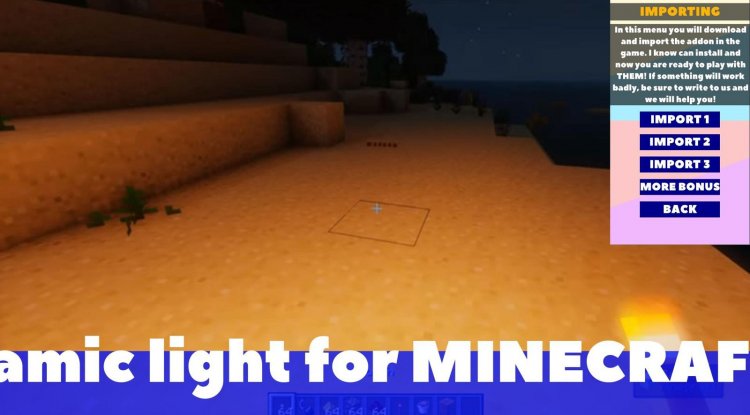
Best MCPE Addons 2026: Feature Breakdown
Dynamic Light is packed with practical features that make it one of the best minecraft addons currently available for Bedrock players. Here's what you get:
- Real-time light source that follows player movement instantly
- Works with items held in both main hand and off-hand slots
- Supports an extensive list of glowing items including torches, soul torches, lanterns, soul lanterns, glowstone, sea lanterns, shromlights, froglights, jack o'lanterns, lava buckets, glow berries, end rods, beacons, and more
- Automatic deactivation when you stop holding a supported glowing item
- Compatible with both Survival and Creative mode gameplay
- Functions flawlessly when multiple players are using it simultaneously
- Lightweight performance impact due to script-based design
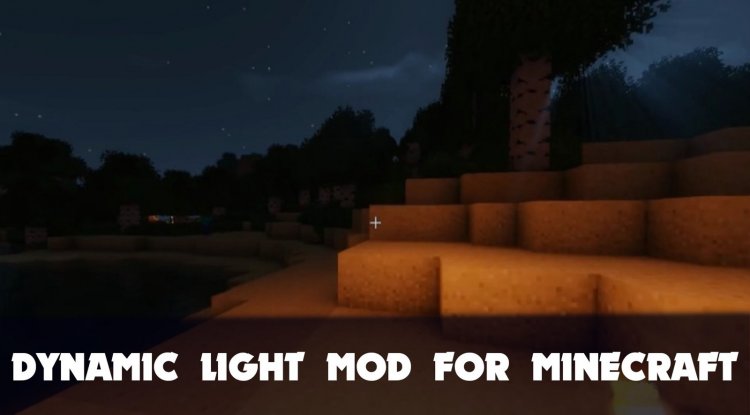
Who Should Use This Addon
Dynamic Light is ideal for several player types. Cave explorers and miners will appreciate never having to manage temporary light placements again—just hold a torch and see everything around you clearly. Survival mode enthusiasts benefit from the immersion factor; exploring dark caves feels genuinely atmospheric when light moves with you rather than staying frozen in place.
Creative builders often use this addon during nighttime building sessions to avoid the tedium of placing and removing light sources. Multiplayer realm players will find that it works seamlessly with other people using the same addon, creating a shared lighting experience without conflicts.
If you play on servers or in multiplayer worlds and want everyone to experience realistic dynamic lighting without requiring external mods or texture packs, this is the solution. It's also perfect for players who want their best mcpe addons 2026 collection to include practical gameplay enhancers rather than just visual overhauls.

How Dynamic Light Impacts Your Gameplay Experience
The quality-of-life improvements are immediate and noticeable. Mining efficiency increases because you can see ore veins and hazards more clearly without placing temporary blocks. Navigation through caves becomes safer—you won't accidentally walk off cliffs or into lava because your light source reveals the landscape ahead in real-time.
The addon also enhances immersion in unexpected ways. Holding a soul torch now creates a distinctive blue glow around you, while a jack o'lantern provides a warm orange ambiance. Different glowing items feel visually distinct, and this variety adds character to your exploration experience.
Performance-wise, the addon is designed to be lightweight. However, the creators note that performance may vary depending on your device specifications and the number of players simultaneously using the feature in a multiplayer world. On most modern devices, you won't notice any frame rate drops, but older tablets or low-end phones might experience minor impact during extended sessions with many players active.
Important Installation and Compatibility Notes
Before installing Dynamic Light, be aware of a few compatibility considerations. The addon should not be combined with other addons that frequently replace blocks near the player, as this could cause conflicts or unpredictable behavior. For this reason, it's recommended to back up your worlds before testing the addon with your existing modded setup.
The addon must remain enabled during your entire gameplay session for the dynamic lighting effect to function. If you disable it mid-game, the light source disappears immediately. This is actually a feature rather than a limitation—you maintain full control over when the addon is active.
How to Install Dynamic Light on Bedrock Edition
Step 1: Download the Addon File
Download the .mcaddon or .mcpack file from the source. Most Bedrock addons come in one of these formats.
Step 2: Open in Minecraft
Locate the downloaded file and open it with Minecraft Bedrock Edition. The game will automatically recognize it as an addon and begin the import process.
Step 3: Wait for Import Completion
Allow the import to finish completely. You'll see a confirmation message once it's ready.
Step 4: Create or Load a World
Create a new world or load an existing one where you want to use the addon.
Step 5: Activate the Addon
Navigate to the Behavior Packs section in your world settings and enable Dynamic Light. Make sure experimental features are enabled if required by the addon version.
Step 6: Start Playing
Hold any supported glowing item in your main hand or off-hand, and the dynamic light effect will activate automatically.
Frequently Asked Questions About Dynamic Light
Will Dynamic Light work in multiplayer worlds?
Yes, the addon functions perfectly with multiple players simultaneously. Each player can hold glowing items and generate their own dynamic light sources without interfering with others.
What happens if I'm holding multiple glowing items at once?
The addon detects items in both your main hand and off-hand, so you can generate light from either or both slots. The light radius adjusts based on what you're holding.
Does Dynamic Light affect my world file or cause lag?
No, the addon uses script-based functionality rather than replacing blocks, so it doesn't clutter your world file. Performance impact is minimal on most devices, though it may vary on lower-end hardware or in heavily-modded worlds.
Can I use Dynamic Light with other addons?
Generally yes, but avoid combining it with addons that frequently replace blocks near the player. It's always safe to back up your world before testing multiple addon combinations.
What's Your Reaction?












![Patrix Resource Pack For 1.19 [32x→256x]](https://minecraftmodded.com/uploads/images/202210/image_750x415_6343b3ab59eff.jpg)


