Glowing ores shaders for Minecraft Bedrock: the complete guide
Learn how to install glowing ores shaders in Minecraft Bedrock/MCPE. This resource pack adds realistic PBR glow effects to every ore type without hurting performance.
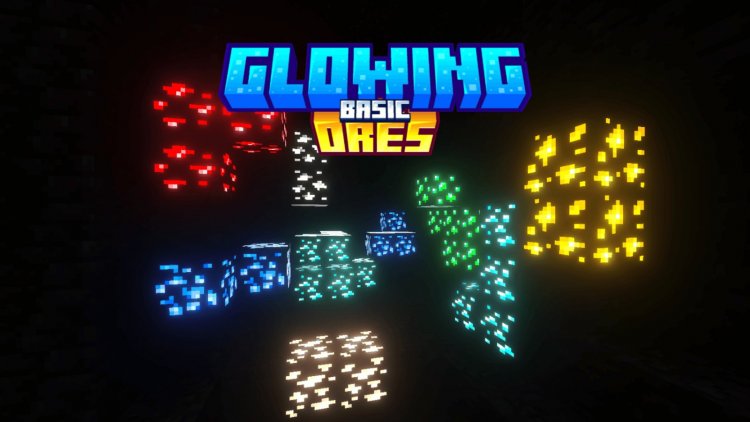
Created by Vortexlab
Glowing Ores is a resource pack that adds emissive glow effects to vanilla Minecraft ore blocks. Created by Vortexlab, it uses physically-based rendering maps to make ores emit light without changing their appearance or tanking your frame rate.
If you've ever wanted ores to stand out in dark caves without a full ray-tracing overhaul, this pack does exactly that. It works on Bedrock Edition and MCPE, plays nice with RTX systems, and runs on older hardware too.
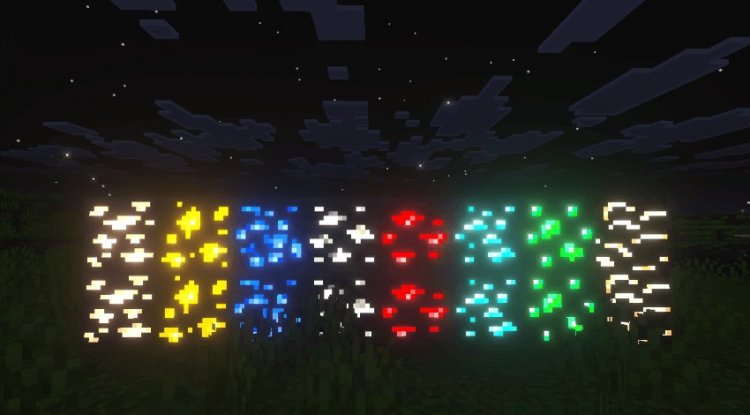
Photos by Vortexlab
What glowing ores shaders actually do
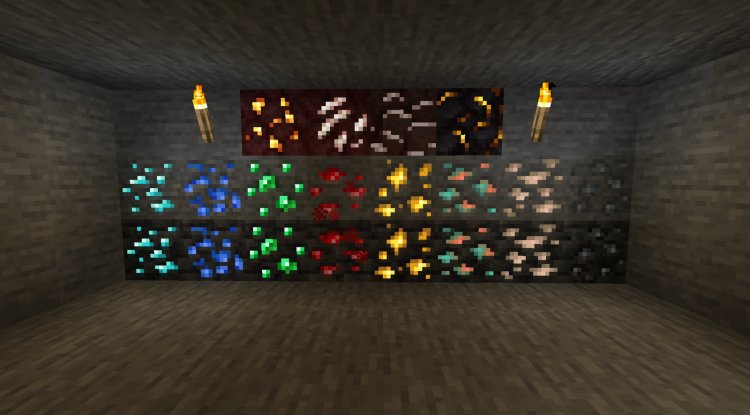
The pack applies realistic glow effects to every ore type you'll encounter while mining. That includes coal, iron, copper, gold, redstone, lapis lazuli, emerald, diamond, quartz, nether gold ore, and ancient debris. Each one gets its own metallic shine and light emission tailored to fit the vanilla look.
Deepslate ore variants are included as well, so ores glow the same way at Y-level 16 or Y-level -64. The glow isn't a texture trick or a visual filter. Vortexlab built it using PBR maps, metalness, emissive, and roughness layers that tell the game how each ore should reflect and emit light. That's the same tech used in RTX ray-tracing systems, so if you have RTX enabled, the glow works with your lighting.
How it changes your mining experience
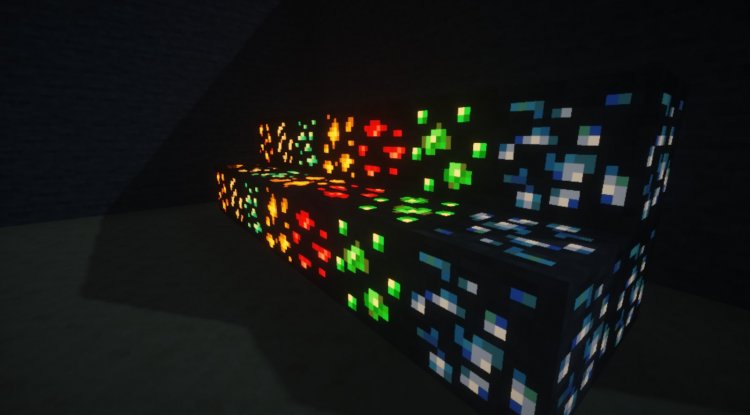
In standard Minecraft, ores don't stand out much in caves unless they're lit up. You end up staring at stone, looking for that telltale color shift. With this pack, ores actually glow. That small detail transforms cave exploration. You'll spot diamonds, emeralds, and gold from farther away without needing to mine every block or place torches constantly.
The glow is subtle, though. It's not going to turn your cave into a light show. The block's original color and shape stay exactly the same, so it still looks like vanilla Minecraft. The glow just makes them easier to pick out in the dark, which is especially useful for survival mode runs where you're deep underground hunting for rare materials.
Performance and compatibility
One of the smartest parts of this pack is how it handles performance. If you're running Minecraft on a device without RTX support, the glow effects still work but they don't drain resources. The PBR maps do the work, not expensive shader calculations. On RTX-enabled systems, the glow gets even better because the ray-tracing engine picks up the emissive values and bounces light off them realistically.
This pack is built for Bedrock Edition and MCPE, so installation is straightforward. It works as a resource pack, not a shader add-on, which means lower overhead and wider device compatibility. You can use it on Windows 10, Xbox, Switch, or mobile without issues.
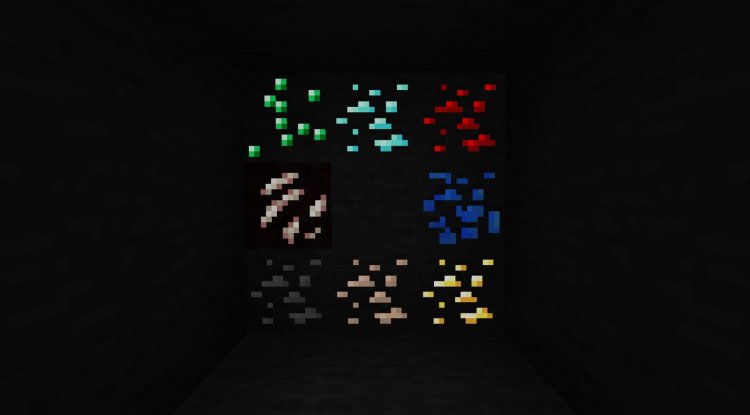
The specific ores that glow
- Coal ore (both regular and deepslate variants)
- Iron ore (regular and deepslate)
- Copper ore (regular and deepslate)
- Gold ore (regular and deepslate, plus nether gold ore)
- Redstone ore (regular and deepslate)
- Lapis lazuli ore (regular and deepslate)
- Emerald ore
- Diamond ore (regular and deepslate)
- Nether quartz ore
- Ancient debris
How to install glowing ores in Minecraft Bedrock
Installing this pack is the same process as any resource pack on Bedrock or MCPE. Download the .mcpack file and open it. Your game should prompt you to import it into your resource packs folder. Accept that, launch Minecraft, and then activate the pack in your world settings before you load a world.
If you're starting a new survival world, apply the pack to that world. If you have an existing world, you can add the pack anytime, though you might need to reload chunks to see the glow effects on ores you've already passed.
Who should try this
This pack is for anyone who plays survival mode and mines regularly. If cave exploration feels tedious because ores blend in, this fixes that. If you like the vanilla look and just want a quality-of-life boost, it's perfect. Speedrunners hunting specific ores will find it useful too.
You don't need RTX to use it, but if you have RTX enabled, the glow looks better. This isn't a shader pack that requires dedicated shader support or adds dynamic lighting everywhere. It's a lightweight resource pack that uses PBR to add glow, so it runs on basically any device that can run Bedrock Minecraft.
Frequently asked questions
Do I need shaders to use glowing ores in Minecraft?
No. Glowing Ores works as a resource pack using PBR maps, not a shader. It runs on any device without needing shader support. If you have RTX enabled, the glow looks better, but it's not required.
Can you install glowing ores on Minecraft Java edition?
This pack is designed for Bedrock and MCPE. Java Edition uses a different resource pack format and would need a different version or a shader-based alternative. Check if the creator released a Java version separately.
How do I make ores glow in Minecraft without a resource pack?
Vanilla Minecraft doesn't make ores glow. You need either a resource pack like this one or a shader mod. RTX ray-tracing can enhance how light bounces, but it doesn't make ores emit light on its own.
Will glowing ores affect my FPS or battery life on mobile?
The pack is designed with minimal performance impact. PBR maps are lightweight compared to other visual effects. On mobile devices, you shouldn't notice a significant drain, especially if RTX is off.
What's Your Reaction?












![Patrix Resource Pack For 1.19 [32x→256x]](https://minecraftmodded.com/uploads/images/202210/image_750x415_6343b3ab59eff.jpg)


