Smooth & Colorful Fonts: Best MCPE Addon for Custom UI Text
Transform your Minecraft Bedrock UI with custom smooth fonts and 10 colored variants. The best addon for cleaner, sharper text in-game.
Created by Mod MCPE
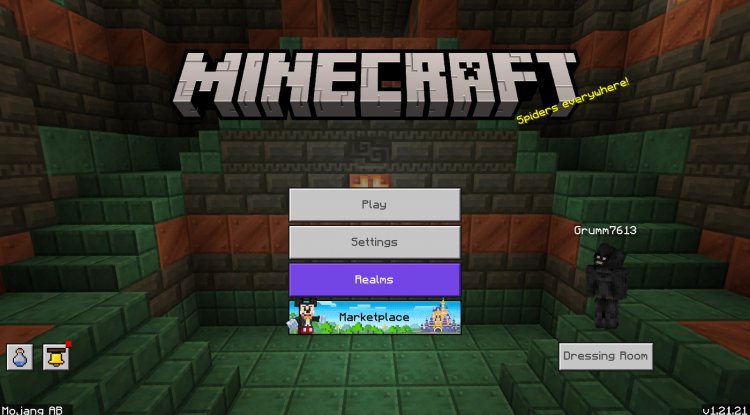
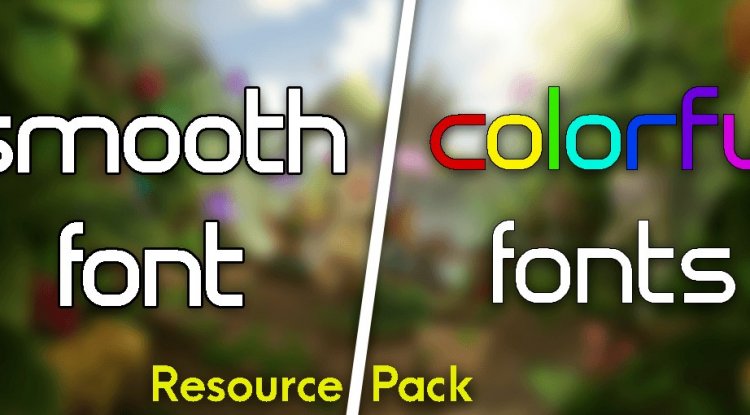
Smooth & Colorful Fonts is a resource pack addon that replaces Minecraft Bedrock's default UI font with crisp, professionally-rendered custom typography and your choice of 10 vibrant color variants. Created by Mod MCPE, this addon transforms how text appears across your entire interface—from menus to chat to item names—without requiring experimental features or cheats.
Photos by Mod MCPE
What Makes This One of the Best Minecraft Addons for Text Customization
When you're browsing the best MCPE addons 2026, you'll notice most focus on gameplay mechanics or world generation. Smooth & Colorful Fonts takes a different, often-overlooked approach: making your UI actually pleasant to read. The standard Minecraft font works fine, but it can feel pixelated and harsh, especially if you're playing on higher-resolution devices or spending hours in menus managing inventory and crafting.
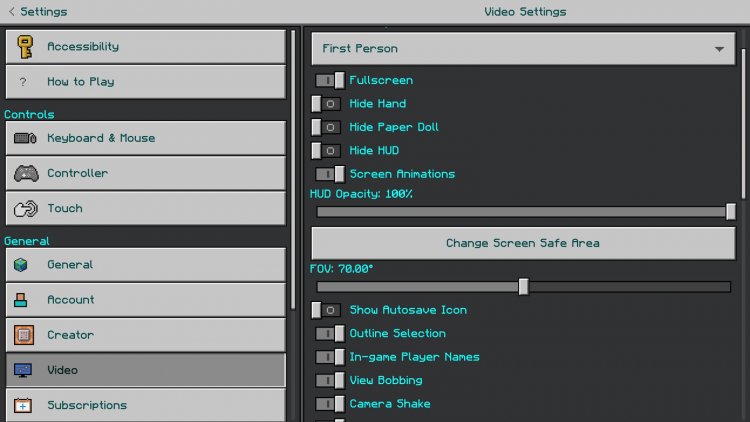
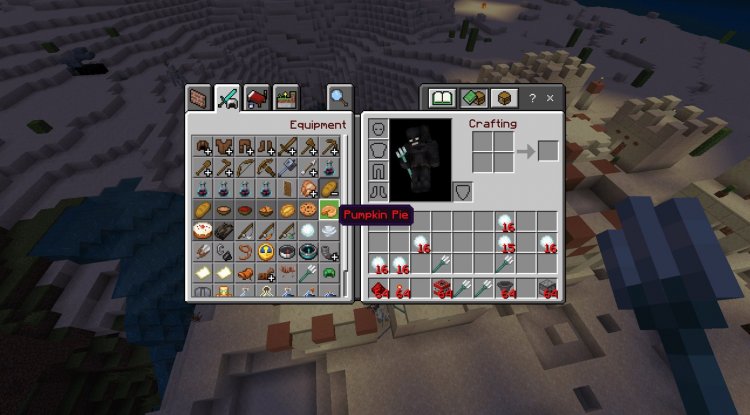
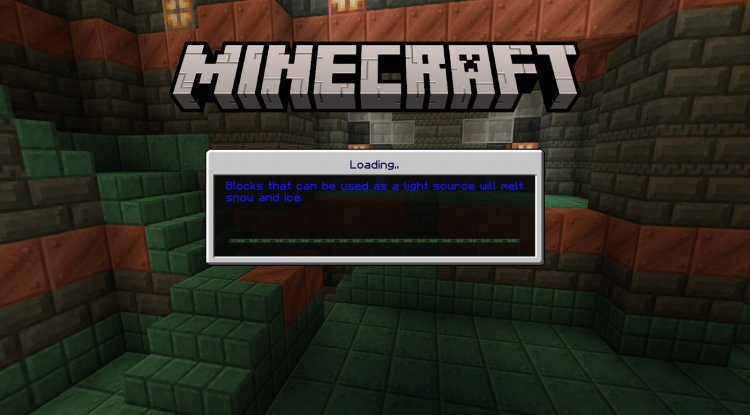
This addon delivers a noticeable visual upgrade the moment you load a world. The custom font is smoother and clearer, reducing eye strain during extended play sessions. Whether you're reading chat messages, checking tooltips, or navigating the pause menu, every word appears sharper and more refined. It's the kind of quality-of-life improvement that doesn't seem essential until you experience it—then you wonder how you ever played without it.
10 Colored Font Options: Personalize Your Interface
Beyond smoothness, this addon gives you genuine customization through its subpack system. Rather than forcing one look on everyone, Smooth & Colorful Fonts includes 10 different colored font variants you can choose from during installation. Want an elegant white font? Pick that. Prefer vibrant blue text? It's available. Gold, green, purple, or something else entirely—you select your preference, and the addon applies it consistently across your entire UI.
This level of choice matters. Your Minecraft aesthetic is personal, and your font color should complement your chosen resource pack and overall visual theme. The colored options ensure this addon works whether you're running a vanilla-style world or a heavily-themed custom environment.
Seamless Compatibility with Your Existing Texture Packs
One concern with UI-modifying addons is compatibility. Will it conflict with other resource packs? Will you have to choose between a great shader pack and better fonts? Smooth & Colorful Fonts solves this elegantly. The addon is designed to work alongside other texture packs as long as you place it above them in your load order. This means you can run it with your favorite custom textures, shaders, and visual overhauls without stepping on each other's toes.
The load order matters—place Smooth & Colorful Fonts higher in your stack so its font changes take priority—but once you've done that, everything integrates smoothly. You get your custom fonts AND all your other visual customizations in one cohesive package.
Key Features & Highlights
- Smooth, professionally-rendered custom font that replaces the default Minecraft UI typeface
- 10 selectable colored font variants to match your preferred aesthetic
- Works on Minecraft versions 1.16 through the latest Bedrock/Pocket Edition releases
- Compatible with other texture packs when positioned above them in load order
- No experimental features, cheats, or mods required—pure resource pack functionality
- Affects all UI elements: menus, chat, item names, tooltips, and signs
- Simple subpack-based installation with no complicated setup
Why This Belongs in Your Best Minecraft Addons Collection
When you're evaluating the best minecraft addons, it's easy to fixate on gameplay-changing features: new mobs, biomes, items, or mechanics. But quality-of-life improvements matter just as much. Smooth & Colorful Fonts enhances your experience every single time you play. You're not adding new content; you're refining what already exists into something more polished and enjoyable.
This addon is perfect for players who:
- Spend significant time in menus and want text to be as crisp and readable as possible
- Care about visual consistency and theming across their entire Minecraft environment
- Want a quality-of-life boost without overhauling their entire mod or resource pack setup
- Play on higher-resolution devices where the default font can appear dated
- Appreciate small touches that collectively make gameplay feel more professional and polished
How to Install Smooth & Colorful Fonts
Installation is straightforward, especially if you're familiar with Bedrock Edition resource packs:
- Download the .mcpack file and open it—Minecraft will automatically recognize and import it
- Choose your colored font variant during the import process (select from the 10 subpack options)
- Confirm the installation by selecting the world or profile where you want to use it
- Arrange load order if needed: If you're using other resource packs, place Smooth & Colorful Fonts above any packs that modify fonts to avoid conflicts
- Launch your world and enjoy your new, crisp UI text
The creator provides an installation guide with the addon, and if you're on Windows, a Bedrock Manager application is available to streamline the process further.
Usage Rights & Attribution
Mod MCPE has clear terms for this addon. You're welcome to create videos featuring it—just provide credit to the original creator. However, if you want to use Smooth & Colorful Fonts in commercial projects or integrations, you'll need explicit permission. The addon cannot be redistributed or republished on other sites without authorization. Respect these terms, and you're good to go.
Frequently Asked Questions
Will Smooth & Colorful Fonts work with my existing resource packs?
Yes, as long as you place it above any other texture packs that modify fonts in your load order. The addon is designed for compatibility and won't override non-font textures from other packs.
Do I need to enable experimental features or use cheats?
No. Smooth & Colorful Fonts is a pure resource pack addon that works within standard Bedrock Edition settings. No special configuration required.
Can I change the font color after installation?
You select your colored font variant during installation via the subpack menu. If you want to switch colors later, you'd need to reinstall and choose a different variant. Choose carefully based on your aesthetic preferences.
What versions of Minecraft does this support?
Smooth & Colorful Fonts supports Minecraft Bedrock Edition and Pocket Edition from version 1.16 through the latest available version.
What's Your Reaction?












![Patrix Resource Pack For 1.19 [32x→256x]](https://minecraftmodded.com/uploads/images/202210/image_750x415_6343b3ab59eff.jpg)


