Minecraft Pocket Edition is fun to play, but sometimes the graphics feel a little basic. If you want your game to look more detailed and realistic, shaders can help. One shader that many players like right now is the Xiao Reimagined Shader. This shader is made to improve lighting, shadows, water, and colors so the game looks smoother and more polished.
The Xiao Reimagined Shader focuses a lot on lighting. Sunlight during the day feels brighter and more natural. Evening and sunset colors are soft and smooth. Nights feel darker and more immersive, but you can still see where you are going. The lighting makes exploring the world more enjoyable and gives Minecraft a fresh look.
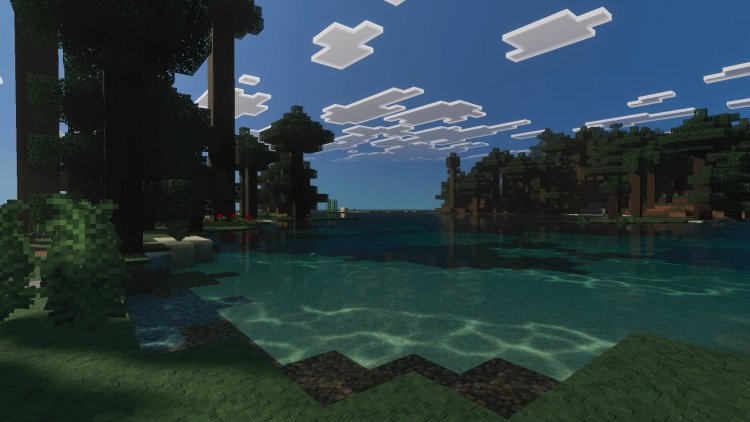
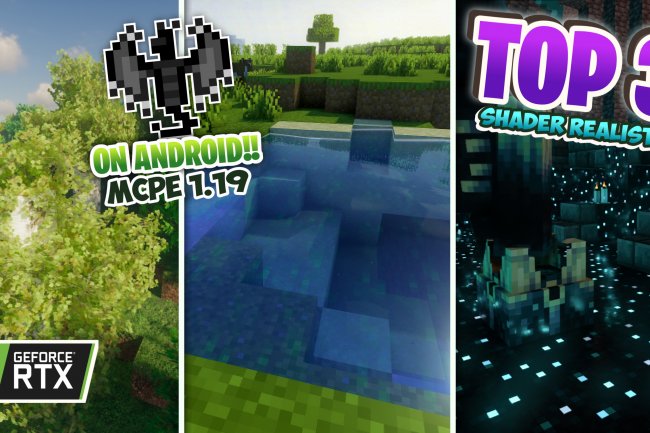
Water is one of the strongest points of this shader. Rivers, lakes, and oceans look clearer and more realistic. Light reflects on the water and moves naturally as you walk or swim. Swimming or traveling by boat feels more immersive. Even small ponds or fountains look better with improved water effects.
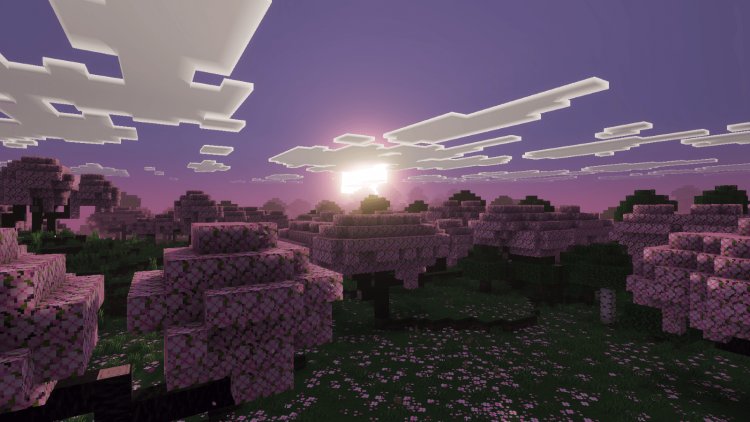
Shadows in the Xiao Reimagined Shader are smooth and natural. Trees, buildings, and mountains cast shadows that move as the sun changes. This makes the world feel alive and less flat. Even simple structures look better because shadows give depth and dimension. Players notice more details in the environment when shadows are improved.
Colors are enhanced but not overdone. Grass looks greener, skies are more vibrant, and sunsets feel softer. These changes make the game look more polished without changing the classic Minecraft style. Everything feels familiar, but more pleasing to look at.
The shader also works well with weather. Rain looks smoother and clouds appear more natural in the sky. The overall atmosphere changes slightly with the weather, which makes exploring more interesting. Small details like these make the game feel more dynamic and alive.
Installing the Xiao Reimagined Shader is usually simple. You can download it as a shader pack and import it into Minecraft Pocket Edition. Once it is enabled, you can adjust settings to match your device performance. Players with weaker devices can turn off some effects while stronger devices can enjoy full graphics.
This shader is good for both survival and creative players. In survival mode, caves, forests, and mountains feel more immersive. Lighting and shadows make exploring more exciting. In creative mode, builds look more impressive with realistic lighting, reflections, and water effects. Screenshots and videos also appear more detailed and polished.
Many MCPE players enjoy shaders because they make the game feel fresh. The Xiao Reimagined Shader does not add new blocks or items. It only improves how the game looks. This makes it compatible with most worlds and servers. You can keep your favorite gameplay while enjoying improved visuals.
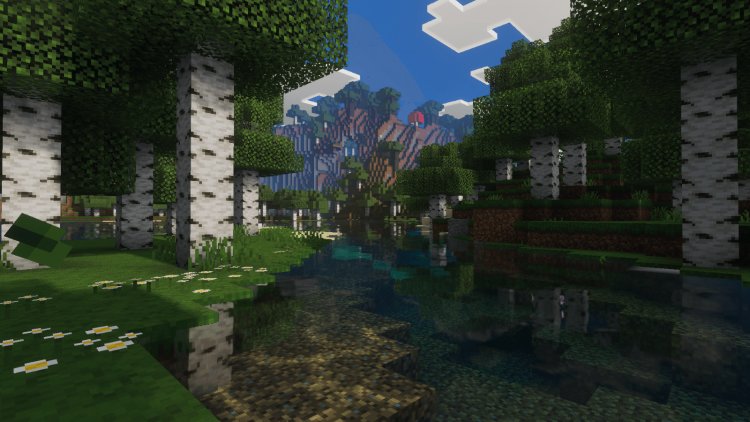
The shader works well with texture packs. Even simple textures look better when combined with improved lighting and shadows. Default textures look more polished and vibrant, making Minecraft feel upgraded without changing the original style.
Overall, the Xiao Reimagined Shader for MCPE is a great choice for players who want smoother, more realistic graphics. It improves lighting, shadows, water, and colors while keeping Minecraft fun and familiar. The game feels more alive and immersive with this shader.
If you want Minecraft Pocket Edition to look better, the Xiao Reimagined Shader is worth trying. Walking through forests, building in creative mode, or watching sunsets feels more enjoyable. It is easy to use, works on most devices, and gives a polished look without changing the game too much.
In the end, shaders are about personal preference. Some players want realism, while others prefer simple graphics. The Xiao Reimagined Shader balances realism and smooth performance, making it one of the best options for MCPE players who want upgraded visuals.








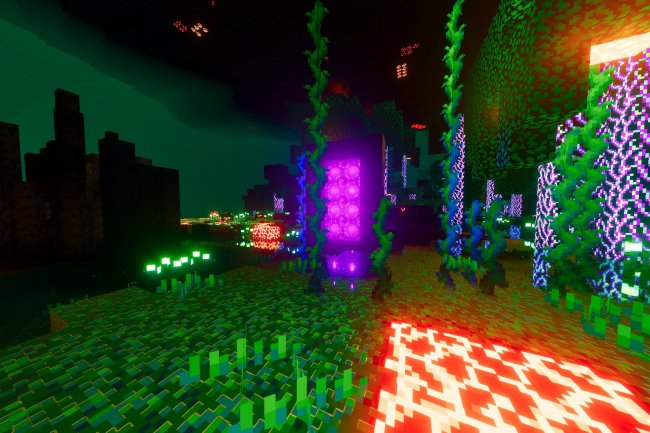
![Evox [Renewed] V1.2 Shader](https://minecraftmodded.com/uploads/images/202212/image_650x433_639e65741a65e.jpg)




![Patrix Resource Pack For 1.19 [32x→256x]](https://minecraftmodded.com/uploads/images/202210/image_750x415_6343b3ab59eff.jpg)


