Kelp's PvP Textures: Combat-Focused Minecraft Bedrock Pack
Kelp's PvP Textures simplifies visuals for Minecraft combat. Optimized for Bedwars, Skywars, and survival PvP with cleaner weapon and block designs.
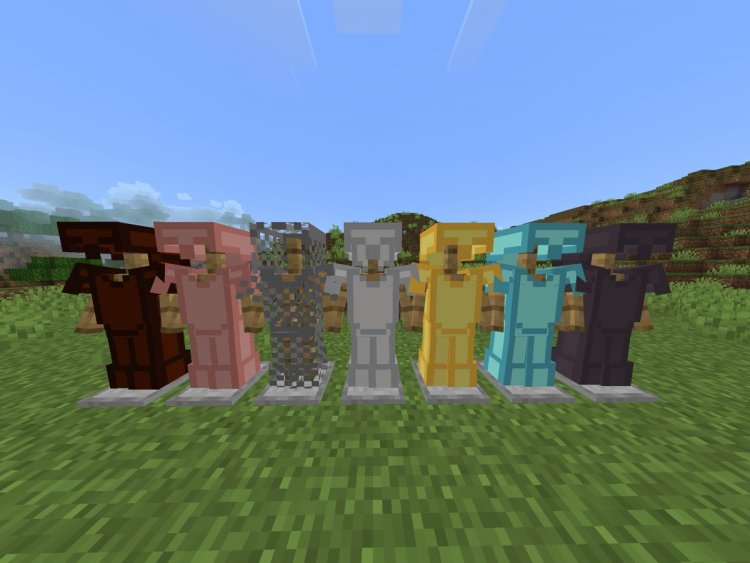
Created by InfamousKelp
Kelp's PvP Textures: A Combat-Focused Texture Pack for Minecraft Bedrock
Kelp's PvP Textures is a specialized texture pack designed to strip away visual clutter during player-versus-player combat, making swords, items, and blocks easier to read at a glance. Created by InfamousKelp, this pack prioritizes clarity and competitive advantage without abandoning Minecraft's iconic blocky aesthetic. Whether you're grinding Bedwars lobbies or battling friends in survival mode, this pack transforms how you see the battlefield.
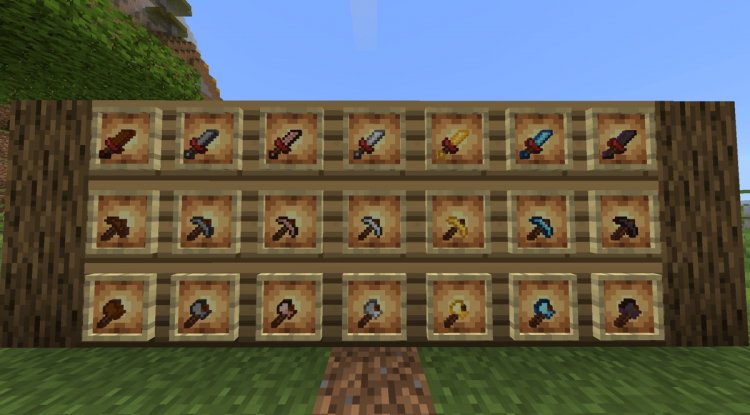
Photos by InfamousKelp
Why Visual Clarity Matters in Competitive Minecraft
When you're in the middle of a 1v1 fight, every millisecond counts. Your eyes need to instantly register what your opponent is holding, how much armor they have left, and which projectiles are incoming. Default Minecraft textures, while beautiful, contain decorative details and shading that can slow down your visual processing during intense moments.
Kelp's PvP Textures addresses this problem head-on by reducing visual noise. Think of it like turning down the graphics saturation in a competitive shooter—the game becomes more readable, not less immersive. You'll still recognize everything as Minecraft, but your brain processes combat information faster.
Weapon and Item Textures Optimized for Combat
The heart of any PvP texture pack lies in its weapon redesigns. Kelp's pack reimagines swords with reduced visual complexity, cutting away unnecessary shading and detail work that doesn't serve a competitive purpose. When you're swapping between a diamond sword and a golden apple mid-fight, you need instant visual feedback—this pack delivers exactly that.
Item recoloring extends throughout the pack. Armor pieces are simplified and recolored for maximum contrast, making it trivially easy to gauge whether an opponent is wearing diamond, iron, or leather gear from across the map. Projectile textures—arrows, fireballs, and other incoming threats—are adapted specifically for PvP scenarios where spotting them quickly can mean the difference between a clutch dodge and a wasted respawn token.
Block Textures and Visual Simplification
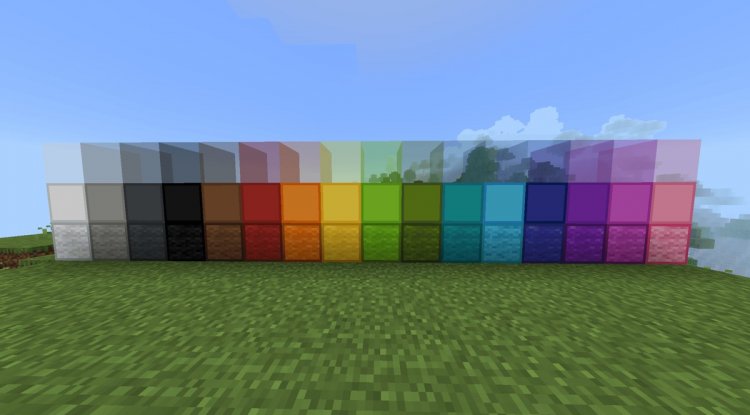
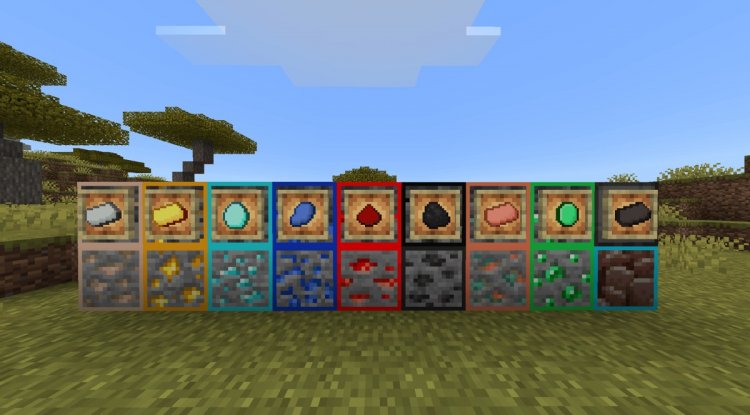
PvP texture packs often overlook blocks, but Kelp's pack understands that your building blocks are your fortress. Streamlined block textures throughout the pack reduce visual noise without making your structures look flat or lifeless. Dirt, wood, stone, and all your favorite building materials maintain their Minecraft identity while becoming easier to distinguish from one another during frantic construction sequences.
This simplification is particularly valuable in Bedwars, where you're constantly building defensive walls and platforms. Cleaner block visuals help you maintain spatial awareness and build faster without squinting at textural details.
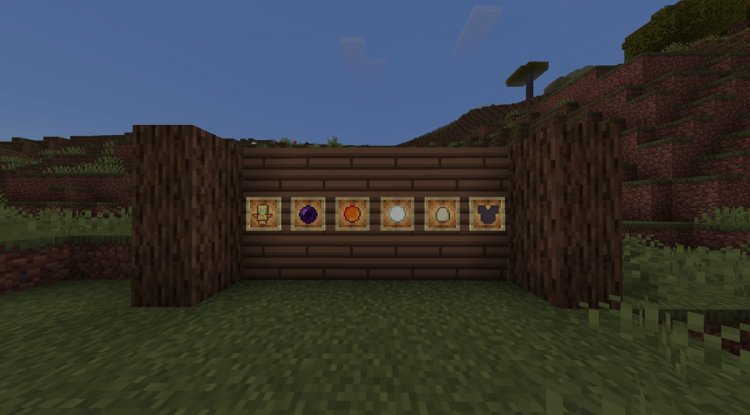
Perfect for Bedwars and Skywars Gameplay
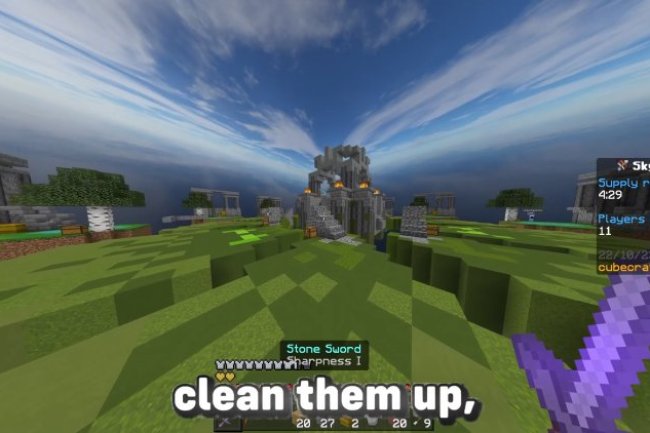
This pack was built with competitive game modes in mind. Bedwars players benefit most: when you're rushing mid or defending your base, the simplified weapon and armor textures give you a genuine competitive edge. You'll spot enemy rushes earlier, identify threat levels more quickly, and make split-second decisions with better information.
Skywars players gain similar advantages. The clarity improvements make it easier to track opponents across open sky terrain and identify what loot they've collected. If someone just grabbed a diamond sword from mid, you'll know instantly and adjust your strategy accordingly.
But don't assume this pack is purely for competitive servers. Survival mode PvP benefits tremendously as well. If you're playing on a faction or PvP-enabled survival server, Kelp's textures give you the same competitive readability whether you're fighting strangers or raiding your rivals' bases.
Maintaining Minecraft's Classic Aesthetic
The trickiest balance in any competitive texture pack is preserving the game's soul while optimizing for clarity. Kelp's PvP Textures achieves this remarkably well. Everything still looks and feels like Minecraft—you won't mistake this for some hyper-realistic or anime-styled overhaul. The changes are surgical: removing detail where it hurts readability, sharpening contrast where it helps recognition, and keeping the blocky, minimalist vibe intact.
This restraint is what separates Kelp's pack from more extreme alternatives. You get competitive advantage without sacrificing the game you love.
Key Features and Highlights
- Modified weapon textures optimized specifically for combat scenarios
- Simplified sword designs that maintain instant visual recognition
- Streamlined block textures reducing visual clutter during building
- Adapted projectile textures for improved threat detection
- Recolored armor and equipment with enhanced contrast
- Overall visual simplification preserving classic Minecraft style
- Designed for Bedwars, Skywars, and survival mode PvP
- Optimized for rapid decision-making in competitive situations
How to Install Kelp's PvP Textures
Installing a texture pack in Minecraft Bedrock Edition is straightforward. First, ensure you've downloaded the .mcpack file (or .zip equivalent) for Kelp's PvP Textures. Open Minecraft and navigate to your Settings menu, then select the Resource Packs option.
Choose "Import" and locate the texture pack file you downloaded. Minecraft will automatically process the file and add it to your available packs. Select the pack from your list and toggle it to "Active." You can prioritize it by moving it above the default Minecraft pack in the stack. Once applied, the textures load immediately in your next world or multiplayer session.
Make sure you're using a compatible version of Minecraft Bedrock (MCPE, Windows 10/11, or Console editions). If the pack doesn't apply, verify that the file wasn't corrupted during download and try importing again.
Frequently Asked Questions About Kelp's PvP Textures
Is this texture pack allowed on multiplayer servers?
Texture packs are client-side modifications, meaning they only affect your view of the game and don't alter server code or gameplay mechanics. Nearly all multiplayer servers, including Hypixel and other major platforms, allow texture packs. Always check your specific server's rules to be certain, but PvP texture packs like this one are standard practice in competitive communities.
Will using this pack give me an unfair advantage?
Kelp's PvP Textures improves visual clarity and information processing speed—advantages that exist in every competitive environment. Esports players in shooters, MOBAs, and fighting games use similar optimization techniques. In multiplayer Bedrock communities, texture packs are normalized; many top-ranked players use them. It's a legitimate competitive tool, not a cheat.
Does this pack work on all Minecraft Bedrock versions?
Kelp's PvP Textures is designed for Minecraft Bedrock Edition across Windows 10/11, mobile (MCPE), and console platforms. Ensure your Minecraft version is up-to-date, as older snapshots may have compatibility issues with newer resource packs. If you experience problems, reinstall the pack or verify your Minecraft installation.
Can I use this pack in creative mode or just survival?
The pack applies to all game modes where textures render, including creative, survival, and multiplayer. However, its competitive benefits shine brightest in PvP scenarios. You'll notice the simplification everywhere, but the real value emerges during combat situations where clarity directly impacts performance.
What's Your Reaction?












![Patrix Resource Pack For 1.19 [32x→256x]](https://minecraftmodded.com/uploads/images/202210/image_750x415_6343b3ab59eff.jpg)


