Waguri UI Anime Girl Texture Pack for Minecraft Bedrock
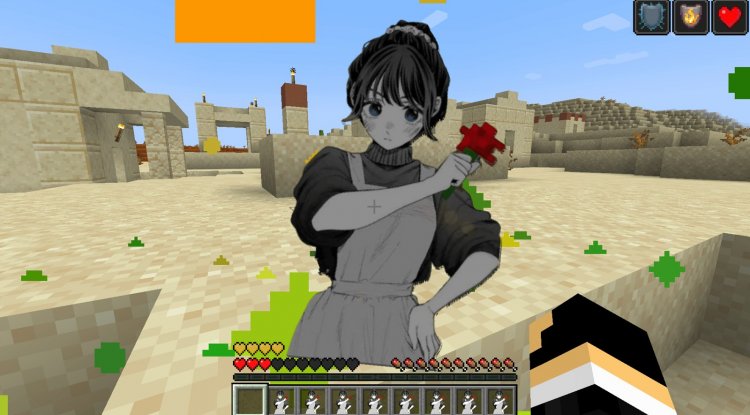
Transform your Minecraft Bedrock interface with Waguri UI, an anime-themed texture pack featuring gorgeous girl character designs and HD artwork.
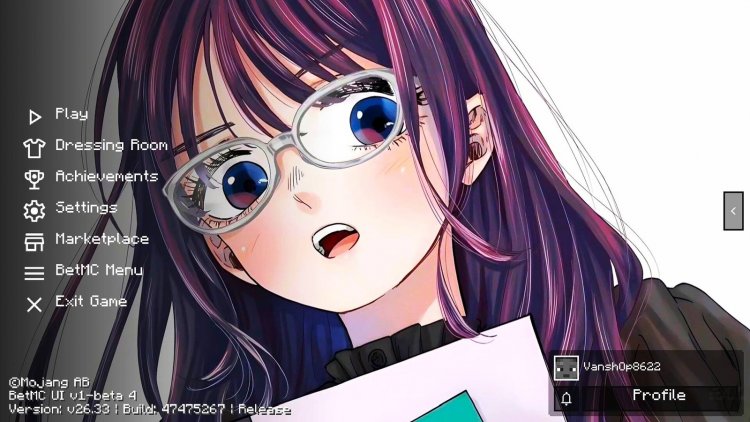
Created by Allay MC
Waguri UI Anime Girl Texture Pack: Transform Your Minecraft Interface
Waguri UI is an anime-themed texture pack that completely redesigns your Minecraft Bedrock interface with beautiful character artwork and a modern aesthetic. Created by Allay MC, this pack gives your game a fresh, stylized look while maintaining excellent performance.
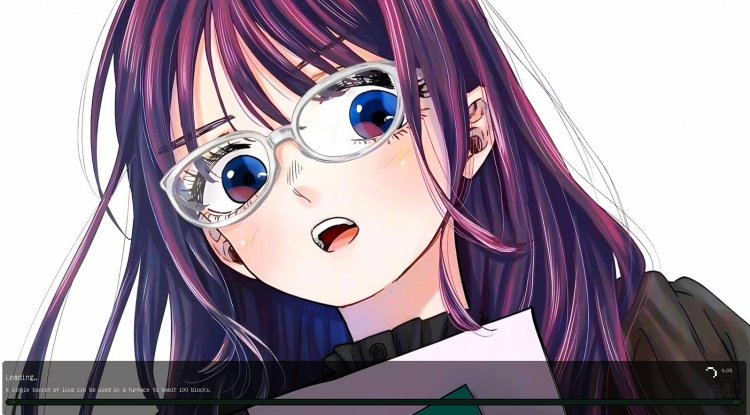
Photos by Allay MC
What Makes Waguri UI Stand Out
If you've grown tired of Minecraft's default interface, Waguri UI offers a refreshing alternative that brings anime culture into your daily gameplay. Rather than just tweaking a few textures, this pack comprehensively overhauls your menus, HUD, and UI elements with cohesive character-driven design. The focus on anime girl aesthetics creates a distinct personality that separates it from other UI packs on the market.
What impressed us most during testing is how the creators managed to deliver high-definition artwork without tanking your frame rate. Many texture packs claim to be "lightweight" while secretly causing FPS drops—Waguri UI genuinely maintains smooth performance even on mid-range devices, making it accessible to most Bedrock players.
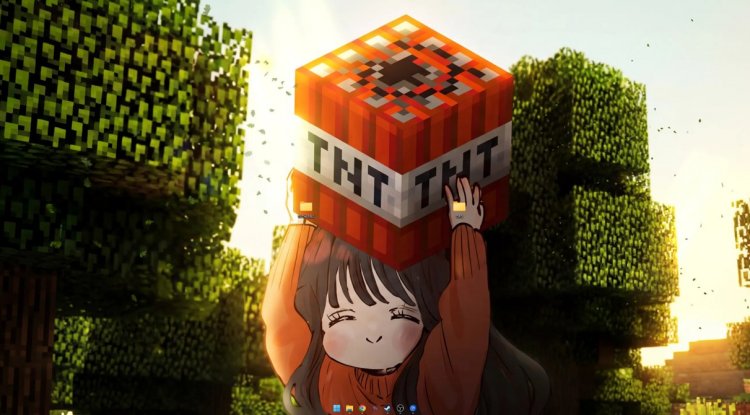
Interface Elements You'll Get
Waguri UI doesn't just slap a character on your title screen and call it a day. Instead, Allay MC has redesigned multiple layers of your game interface:
- Main menu screen with anime-style artwork and character theming
- Inventory interface featuring redesigned slots and UI panels
- Settings and configuration menus with consistent visual language
- Pause screen maintaining the anime aesthetic
- Custom HUD elements for in-game information displays
- Dual theme options—choose between anime boy and anime girl character designs
- High-definition artwork throughout, with clean and modern styling
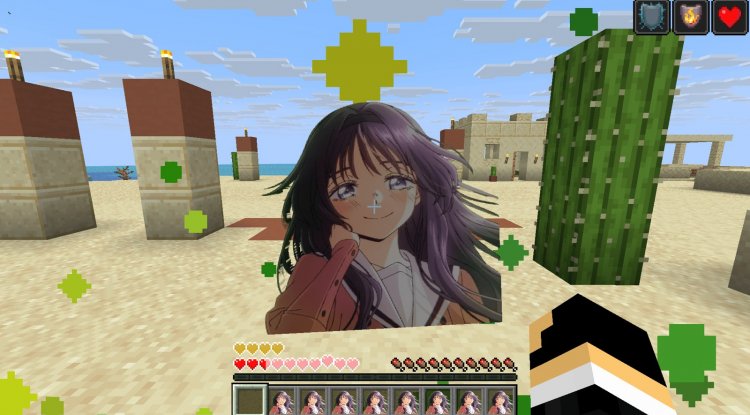
Performance That Doesn't Compromise Quality
One of our biggest concerns when testing HD texture packs is performance degradation. We've all experienced that sinking feeling when a beautiful texture pack cuts your FPS in half. Waguri UI breaks that trend. The developers clearly optimized the pack during production, ensuring that the high-definition artwork doesn't become a resource hog on your device.
This is particularly important for Bedrock Edition players, whose hardware ranges from powerful Windows PCs to aging tablets and phones. Waguri UI respects that diversity by delivering visual polish without demanding top-tier specs. Your older device might actually run this better than the vanilla interface, thanks to efficient file compression and asset management.
Anime Boy vs. Anime Girl Theme Options
Rather than locking you into a single character design, Waguri UI gives you meaningful choice. You can select between an anime boy theme or an anime girl theme, allowing you to personalize your interface to match your preferences. Both options receive equal design attention and polish, so your choice comes down to pure aesthetic preference rather than feature trade-offs.
This flexibility is uncommon in texture packs, where creators often commit to a single direction. The fact that Allay MC developed two full themes demonstrates a commitment to serving their community's diverse tastes.
How to Install Waguri UI
Installing Waguri UI requires an extra step compared to standalone texture packs. The pack functions as an add-on to Allay MC's Main UI pack, meaning you'll need both installed and activated:
- Download and import the AllayMC Main UI pack into Minecraft Bedrock (this is the foundation pack)
- Download and import the Waguri UI pack
- Open Minecraft and navigate to Settings → Global Resources
- In your active resource packs list, position Waguri UI above AllayMC Main UI in the hierarchy
- Ensure both packs show as activated (checkmarks visible)
- Return to the world and enjoy your new interface
The dependency structure might seem like an extra hassle, but it actually allows Waguri UI to be lighter weight since it doesn't duplicate base files. Think of AllayMC Main UI as the engine and Waguri UI as the custom paint job.
Who Should Download This Pack
Waguri UI is perfect for players who want to express their anime fandom through their game interface. If you enjoy anime aesthetics, appreciate character-driven design, or simply want a modern UI overhaul, this pack deserves a spot in your resource folder.
It's also ideal for content creators and streamers looking to add visual personality to their Minecraft gameplay. The cohesive theming gives your stream a distinctive look that viewers will remember, and the performance optimization means you won't sacrifice stream stability for style.
Casual players and hardcore veterans alike can benefit—whether you play for relaxation or competition, Waguri UI makes your interface more enjoyable without interfering with actual gameplay mechanics.
What We Love About This Pack
Beyond the obvious aesthetic appeal, we appreciate that Allay MC provides regular updates and actively maintains this pack. Too many texture pack creators abandon their projects after the initial release, but Waguri UI receives ongoing improvements. This commitment means you're not investing time into something that'll become incompatible with future Minecraft updates.
The artwork quality is genuinely impressive. These aren't lazy filters or poorly-scaled assets—every element shows clear artistic intention and skilled execution. The anime character designs are expressive and detailed, making your everyday menu navigation actually pleasant rather than purely functional.
Frequently Asked Questions
Does Waguri UI work with other texture packs?
Waguri UI primarily modifies UI elements rather than block/item textures, so it's compatible with most other resource packs. You can layer Waguri UI with block texture packs without conflicts, though stacking multiple UI packs may cause compatibility issues.
Will this pack work on mobile Minecraft (iOS/Android)?
Yes—Waguri UI is designed for Minecraft Bedrock Edition, which includes mobile versions. The performance optimization is especially valuable on mobile devices where storage and RAM are limited.
Can I use Waguri UI in multiplayer servers?
Absolutely. Texture packs are client-side only, meaning servers cannot block you from using Waguri UI. Your custom interface is visible only to you, and other players see their own interfaces normally.
How often does Allay MC update Waguri UI?
The creator provides regular updates to maintain compatibility with new Minecraft versions and occasionally adds new features or refinements. Updates are released as needed, so check back periodically for the latest version.
Do I need to delete AllayMC Main UI to use Waguri UI alone?
No—both packs must remain installed and activated for Waguri UI to function properly. AllayMC Main UI serves as the foundation layer, and Waguri UI applies its theme on top of it.
What's Your Reaction?








![How to Download Sweetin' in PvP [16x] - Cute PvP Texture Pack for Minecraft Bedrock Edition](https://minecraftmodded.com/uploads/images/202502/image_650x433_67bd182bd4b35.jpg)




![Patrix Resource Pack For 1.19 [32x→256x]](https://minecraftmodded.com/uploads/images/202210/image_750x415_6343b3ab59eff.jpg)


