Light Path RTX Resource Pack: Ray-Tracing Enhancements for Bedrock
Light Path RTX is a discontinued resource pack for Minecraft Bedrock that enhances ray-tracing visuals with physically-based rendering, volumetric fog, and reflective water.
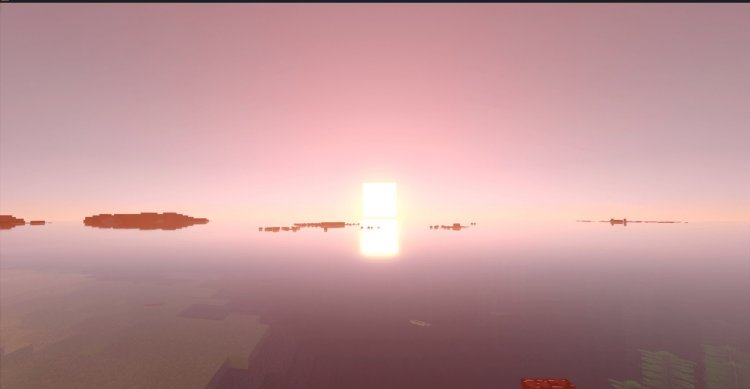
Created by PawsLight
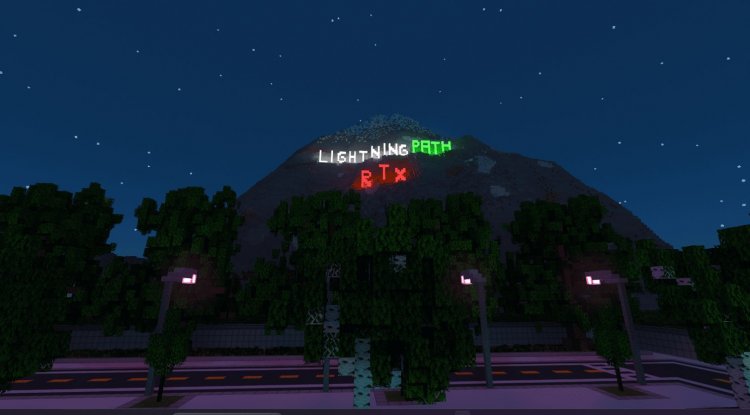
Photos by PawsLight
What Is Light Path RTX?
Light Path RTX is a resource pack designed specifically for Minecraft Bedrock Edition that elevates your ray-tracing experience through advanced visual techniques like physically-based rendering and volumetric fog effects. Created by PawsLight, this pack focuses on making the most of Bedrock's ray-tracing capabilities rather than introducing new shaders or deferred rendering—it works entirely within the game's existing rendering framework to deliver stunning, more realistic lighting and material properties.
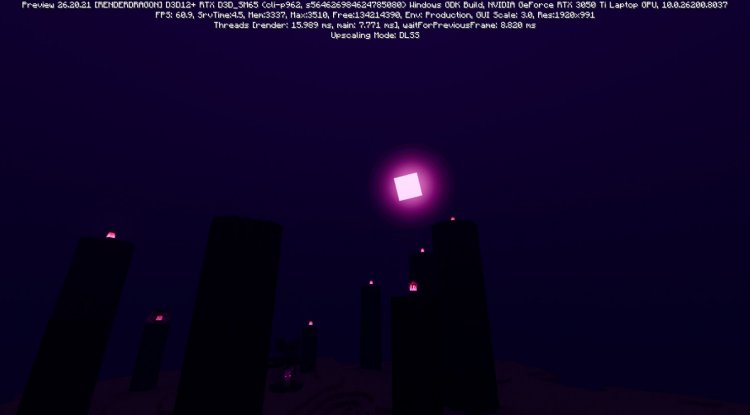
Ray-Tracing Enhancements That Make a Real Difference
If you've ever felt that Minecraft's ray-traced visuals could use some extra polish, Light Path RTX addresses that directly. The pack implements physically-based rendering across materials, meaning textures and surfaces now reflect light in ways that feel genuinely more authentic. Water, in particular, gets a major upgrade with reflective surfaces and animated wave patterns that transform bodies of water from simple blue blocks into dynamic, shimmering landscapes.
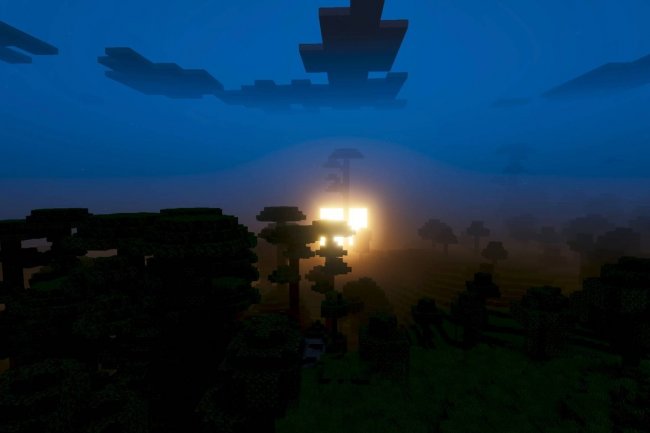
The volumetric fog effects add another layer of atmosphere. Rather than flat fog, you'll experience fog that interacts with light rays, creating depth and mood in caves, forests, and outdoor areas. These aren't cosmetic flourishes—they fundamentally change how the world feels when you're exploring, especially in caves where lighting becomes more dramatic and visually interesting.
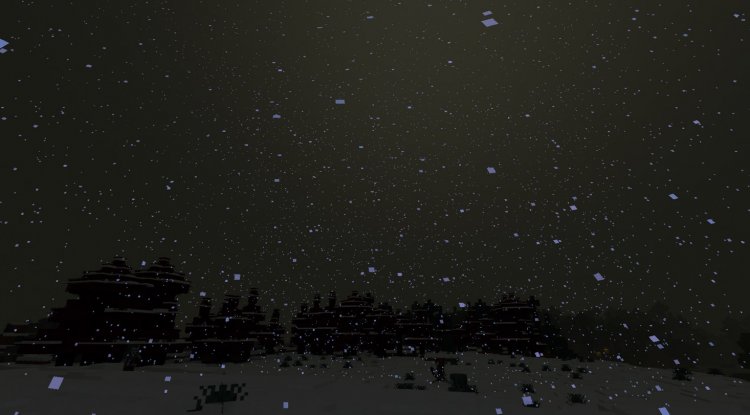
Natural World Details and Entity Improvements
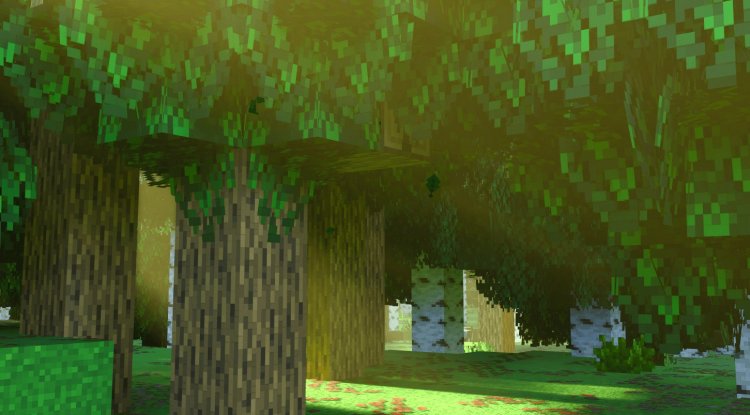
Beyond rendering techniques, Light Path RTX reimagines how the world looks at the block and entity level. Trees receive enhanced models with denser foliage, making forests feel less sparse and more alive. The pack includes improvements to entity rendering as well, adding glow and reflection effects that make mobs and animals integrate better with the enhanced lighting environment.
The End dimension receives special treatment with optimized flash effects that look sharp and intentional under ray-tracing rather than harsh or washed out. Block model modifications throughout the pack address visual bugs and inconsistencies, ensuring that every surface you interact with looks intentional and polished.
Who Should Try Light Path RTX?
This pack is built for Bedrock players who already have ray-tracing capable hardware (primarily newer Xbox Series X/S, high-end Windows 10/11 PCs, or compatible mobile devices) and want to push beyond vanilla visuals. You don't need extensive modding experience—it installs like any other resource pack. However, it's worth noting that this project has been discontinued, so you're experiencing it as a finished (but no longer updated) work.
The pack isn't a shader replacement or a complete overhaul. If you're looking for something that fundamentally changes how Minecraft renders, you might want to explore other options. But if you appreciate the ray-tracing aesthetic and want enhanced textures, materials, and atmospheric effects layered on top, this delivers exactly that.
Technical Details and Version Compatibility
Light Path RTX was developed for Minecraft Bedrock Edition with ray-tracing support. The most recent version (1.15.5) uses fog keyframe functionality that's only available in Minecraft Preview builds, meaning it won't function in standard release versions. If you want to use the latest version, you'll need to be running Minecraft Preview.
Fortunately, older versions of the pack remain available for download. These earlier iterations don't rely on Preview-exclusive features and will work in standard Bedrock installations, giving you flexibility depending on which version of the game you're running.
Key Features at a Glance
- Physically-Based Rendering – Materials respond to light in realistic, natural ways
- Volumetric Fog Effects – Atmospheric fog that interacts with light rays for depth and mood
- Reflective Water Surfaces – Animated wave effects and proper light reflection on water
- Enhanced Tree Models – Denser foliage for more natural-looking forests
- Entity Glow and Reflections – Mobs and animals benefit from improved lighting effects
- Optimized End Flash Effects – Ray-traced improvements to the dimension's distinctive visuals
- Block Model Improvements – Bug fixes and refinements across block rendering
- Ambience Improvements – Overall atmospheric enhancements throughout the world
How to Install Light Path RTX
Installing this resource pack follows the standard Bedrock installation process. Download the .mcpack file and open it directly—Minecraft will automatically recognize it and add it to your resource pack library. From there, navigate to your world settings, open the resource packs section, and activate Light Path RTX. Make sure it's positioned above any conflicting packs in the stack.
For version 1.15.5 specifically, you'll need to be running Minecraft Preview. If you're on a standard release version, download one of the earlier versions instead. Once installed and activated, the effects apply immediately, though you may want to reload your world to ensure all visuals render correctly.
Frequently Asked Questions
Is Light Path RTX a shader pack?
No, it's a resource pack. It enhances ray-tracing visuals through textures, materials, and block/entity models rather than introducing new shaders. It works within Bedrock's existing rendering system and has no connection to deferred rendering or the Vibrant Visuals graphics mode.
Why is the project discontinued?
The creator has moved on from active development. However, all existing versions remain available to download and use, so you can still experience the pack even though it won't receive updates.
Will version 1.15.5 work on my Bedrock world?
Only if you're running Minecraft Preview. The latest version uses fog keyframe features exclusive to Preview builds. If you're on standard Bedrock, download an older version instead.
Do I need special hardware to use this pack?
You need hardware capable of running ray-tracing in Minecraft Bedrock. This includes newer Xbox Series consoles, high-end Windows PCs with compatible graphics cards, and some compatible mobile devices. Without ray-tracing support, the pack won't deliver its intended visual benefits.
What's Your Reaction?












![Patrix Resource Pack For 1.19 [32x→256x]](https://minecraftmodded.com/uploads/images/202210/image_750x415_6343b3ab59eff.jpg)


