MCPE FPS+ Resource Pack: Boost Your Bedrock Performance
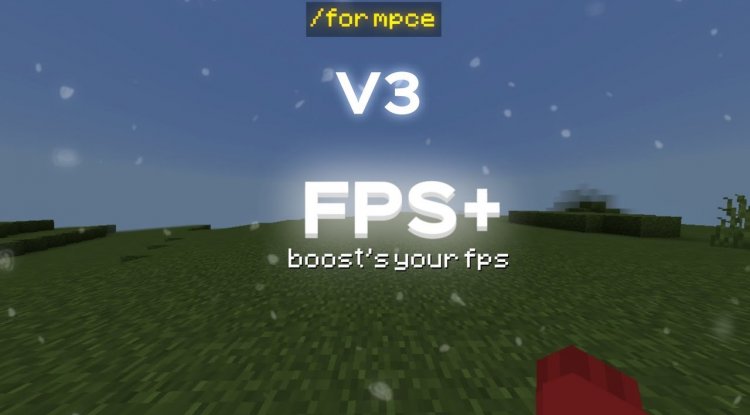
MCPE FPS+ is a performance-focused resource pack for Minecraft Bedrock that boosts fps, reduces lag, and enhances visibility with optimized textures.
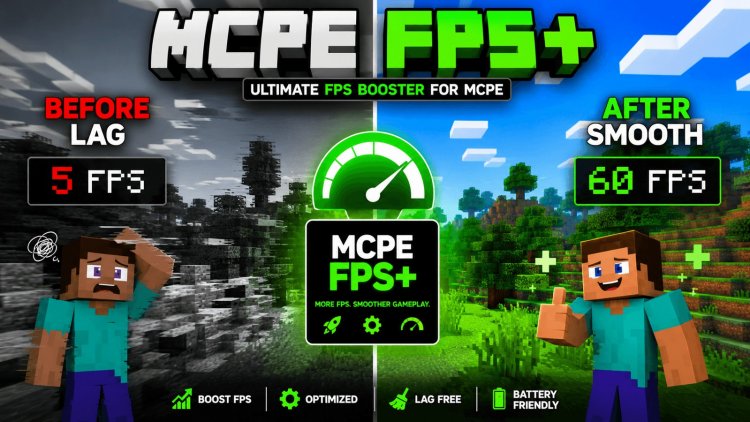
Created by EaglShorts01
MCPE FPS+ Resource Pack: The Performance Optimization You've Been Waiting For
MCPE FPS+ is a lightweight resource pack designed for Minecraft Bedrock Edition that prioritizes frame rate performance and visual clarity without sacrificing gameplay enjoyment. Created by EaglShorts01, this pack achieves what many players have been searching for: a practical solution to improve minecraft mcpe fps while keeping the game looking intentional and polished.
If you've ever wondered whether you can still boost your Minecraft Pocket Edition's performance beyond standard settings, this resource pack offers a compelling answer. Rather than simply stripping away textures indiscriminately, MCPE FPS+ takes a surgical approach—removing visual clutter where it matters most while maintaining the core Minecraft aesthetic.
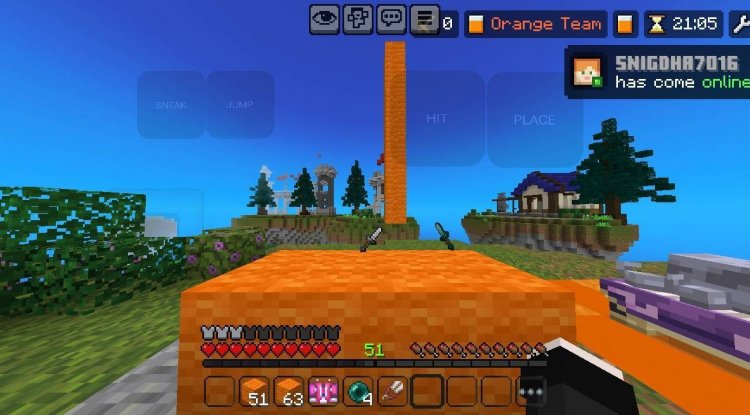
Photos by EaglShorts01
What Makes This Different From Standard FPS Boosters
Most players searching for a minecraft mcpe fps boost mod expect either complicated shader installations or extreme texture downgrades that make the game look unfinished. MCPE FPS+ breaks this mold entirely. Instead of heavy-handed compression, EaglShorts01 has carefully redesigned individual game elements to reduce processing load while improving usability.
The philosophy here is straightforward: every visual element either contributes to gameplay clarity or gets optimized. This means you won't find random black textures or placeholder graphics. Instead, you get intentional design choices that happen to be lighter on your device's GPU.
Combat Visibility and the Shortened Sword Model
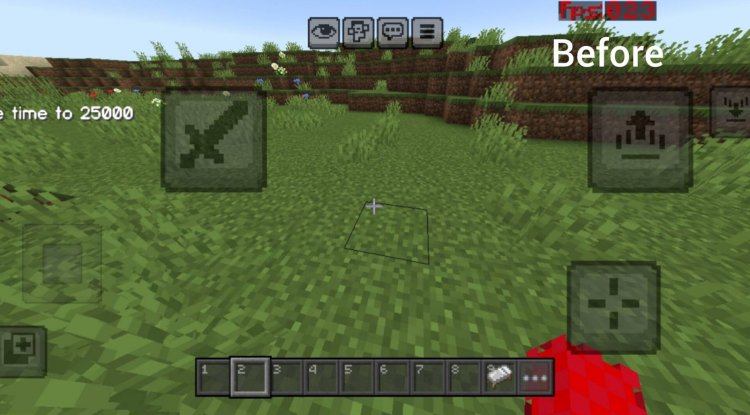
One of the most impactful features in MCPE FPS+ is the shortened sword model. During intense PvP encounters, your weapon takes up roughly 30-40% of the screen space with standard models, obscuring enemy positions and making tactical decisions harder. This pack reduces that footprint dramatically, allowing you to see more of the battlefield without lowering your viewing angle.
For survival players, this change might seem less critical, but anyone who's fought a creeper and lost track of it because their sword was in the way understands the value immediately. The shortened model gives you better spatial awareness while maintaining the distinctive sword silhouette—you're never confused about what you're holding.
Visual Optimization: Textures, UI, and Atmosphere
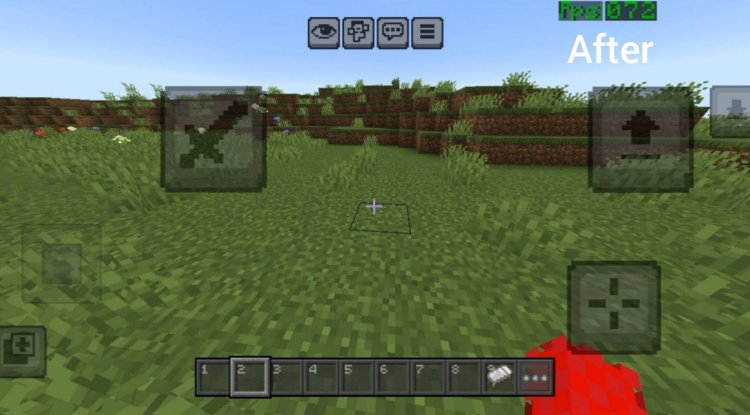
MCPE FPS+ tackles performance from multiple angles. The simplified sky texture reduces the rendering complexity of Minecraft's most visible surface—something that might seem minor until you realize your device recalculates the sky every frame. The blue-tinted fog effect isn't just atmospheric; it's a smart optimization that reduces far-render distances without making the world feel cramped.
Interface elements receive similar treatment. Transparent UI components let more world geometry render behind menu screens without the visual separation feeling jarring. The streamlined chat interface takes up less screen space and uses simpler geometry. These touches matter because on lower-end devices, every polygon counts toward your frame rate stability.
The touch control button simplification deserves special mention for mobile players. Standard MCPE button layouts create visual noise that distracts from the action. Simplified versions maintain full functionality while reducing cognitive load—you're not constantly processing colorful HUD elements in your peripheral vision.
File Size and Asset Optimization
Looking for an fps mcpe download that won't bloat your device storage? MCPE FPS+ features significantly reduced file sizes compared to standard texture packs. This isn't achieved through aggressive compression that destroys quality; instead, EaglShorts01 has eliminated redundant textures, streamlined asset delivery, and optimized image formats throughout the pack.
Smaller files mean faster load times, quicker world generation, and less RAM consumption—three factors that directly impact your overall minecraft mcpe fps during gameplay. Even players with flagship devices benefit from the faster asset streaming, translating to smoother frame pacing and reduced stutters during chunk loads.
Designed for Both PvP and Survival
Whether you're grinding a survival world or competing in multiplayer combat, MCPE FPS+ delivers value. The pack doesn't enforce a playstyle; rather, its optimizations benefit both scenarios equally. PvP players gain improved visibility and reduced visual distractions. Survival enthusiasts enjoy smoother performance while exploring and building without any aesthetic compromise to immersion.
This versatility stems from EaglShorts01's design philosophy: performance enhancements should feel natural, not like you're playing a "lite" version of Minecraft. You're experiencing the same game with unnecessary visual overhead removed.
Key Features at a Glance
- Shortened sword model for dramatically improved combat visibility
- Simplified sky texture reducing render calculations
- Transparent UI elements maintaining immersion while reducing visual separation
- Blue-tinted fog effect optimizing distant render performance
- Simplified touch controls eliminating mobile UI clutter
- Streamlined chat interface for cleaner screen space
- Reduced file size improving load times and RAM usage
- Optimized asset delivery throughout the entire pack
How to Install MCPE FPS+ on Your Device
Installing resource packs on Minecraft Bedrock Edition is straightforward. Download the MCPE FPS+ file (which comes as an .mcpack file) and open it directly—Minecraft will automatically recognize it and import it into your resource packs folder. On mobile devices, you may need to use a file manager app first, but most modern phones handle .mcpack files natively.
Once imported, launch Minecraft and navigate to Settings > Resource Packs > My Packs. Locate MCPE FPS+ and toggle it active. The pack applies immediately to new worlds or when you rejoin existing ones. There's no restart required, making it one of the most user-friendly optimizations available.
If you're running multiple resource packs, load MCPE FPS+ first in the stack—this ensures its optimizations take priority and don't get overridden by conflicting textures from other packs.
FAQ: Your MCPE FPS Questions Answered
Will MCPE FPS+ work on my low-end device?
Absolutely. This pack is specifically designed for performance-constrained devices. Even older phones or tablets should see measurable FPS improvements, though results vary based on device specifications and other background processes.
Does this pack change gameplay mechanics or block textures significantly?
No—MCPE FPS+ maintains core gameplay and block aesthetics. Changes are purely optimization-focused: simplified sky, transparent UI, shortened sword model, and reduced visual clutter. Survival and building experiences remain visually intact.
Can I use MCPE FPS+ with other resource packs or shader mods?
Yes, though load order matters. Place MCPE FPS+ first in your resource pack stack so its optimizations aren't overridden. Some heavy shaders may negate performance gains, but lightweight cosmetic packs combine excellently with this optimization pack.
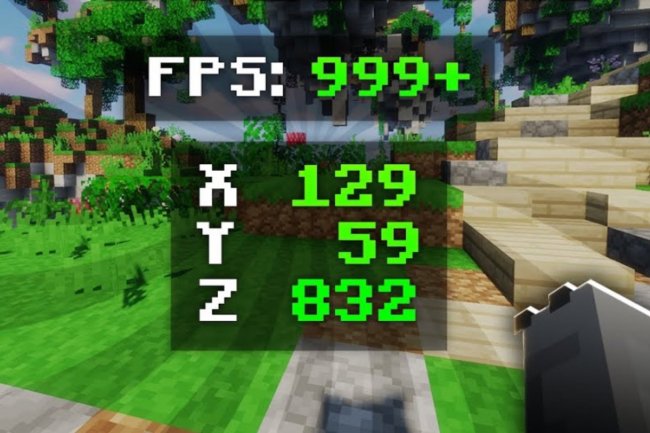
Will this help my minecraft mcpe fps counter show higher numbers?
In most cases, yes. The reduced visual complexity and file optimization should increase frame rates noticeably on mid-to-low-end devices. High-end phones may see minimal differences, but frame consistency and stability often improve regardless of hardware tier.
What's Your Reaction?













![Patrix Resource Pack For 1.19 [32x→256x]](https://minecraftmodded.com/uploads/images/202210/image_750x415_6343b3ab59eff.jpg)


